1
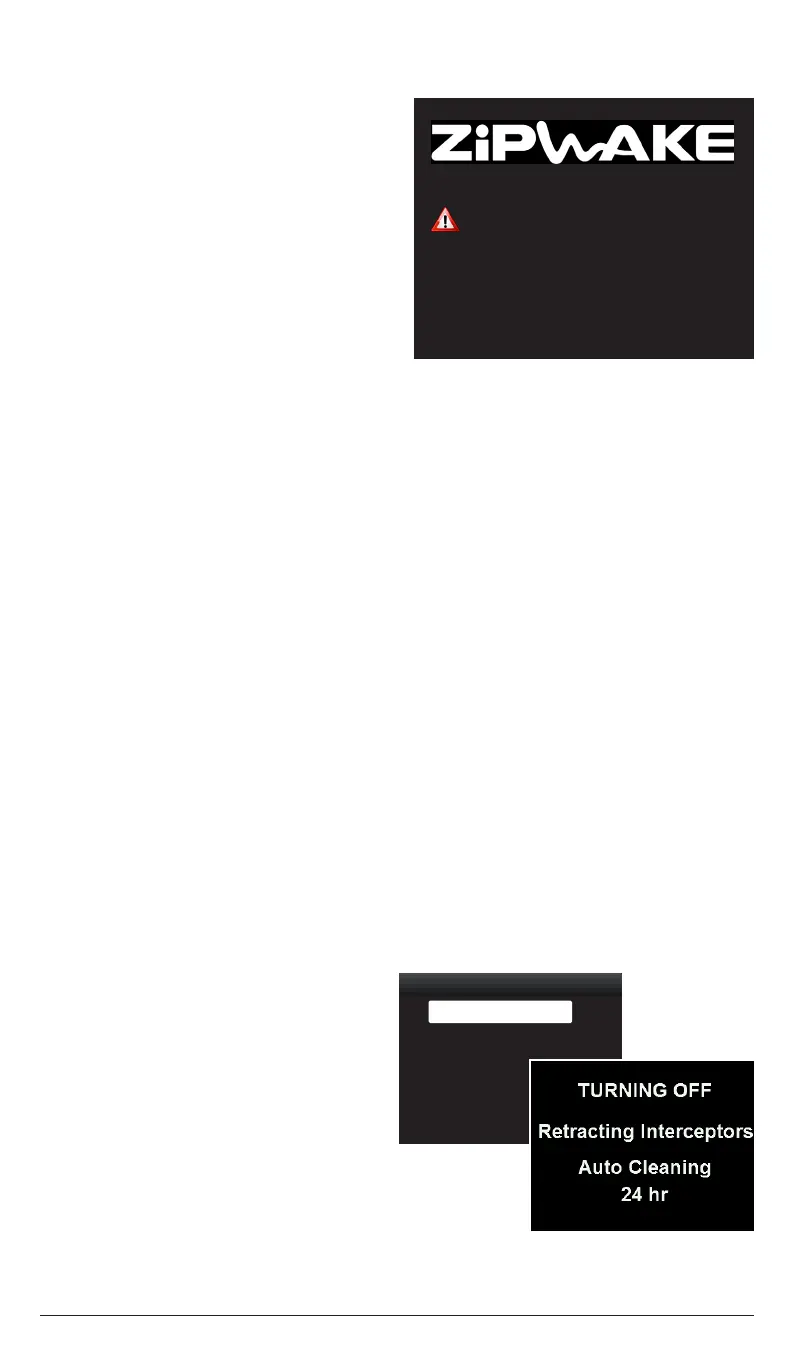
The Trim Control System may affect the
course keeping of your boat. Always pay
close attention to steering the boat.
ATTENTION
OK
Integrator Module
Version 4.0
ZIPWAKE DYNAMIC TRIM CONTROL SYSTEM - FOR INTEGRATION22
10 SWITCHING THE SYSTEM ON
11 SWITCHING THE SYSTEM OFF
11.1 TURN OFF
11.2 TURN OFF - OPTIONAL MINI CONTROLLER
The system is switched on by any of the
following events:
1. Powering up the integrator module.
2. By the boat’s ignition switch when
connecting it to the integrator module’s
Key Sense input.
3. When the NMEA 2000 network is
powered up (if the integrator module is
connected to NMEA 2000).
4. When an optional mini controller or
a control panel is turned on using its
power button.
NOTE!
Items 2 - 4 only apply if the integrator
module remains connected to a power source
when turned o.
The system is turned o when the ignition switch (engine) is turned o.
Press and hold the mini controller’s POWER button until the system turns o.
11.3 TURN OFF - OPTIONAL CONTROL PANEL
If optional control panel(s) are installed, they can either turn o the system or only the
display concerned.
1. Press and hold the control panel’s
POWER button until the
System Turn-O menu appears.
2. A: Select Turn O Display and press
SELECT to turn o the display.
Press the POWER button to
reactivate the display.
or
B: Select Turn O System and press
SELECT to turn o the system.
The system is turned o and the
interceptors are automatically
retracted.
System Turn-Off
Turn Off System ►
Turn Off Display ►
NOTE!
The system also automatically turns o after 12 hours of standstill (no GPS speed).
With Auto Cleaning enabled (chapter 9.2), the system will automatically wake up
perodically and carry out 3 consecutive cleaning cycles when the system is turned o.


 To Next Page