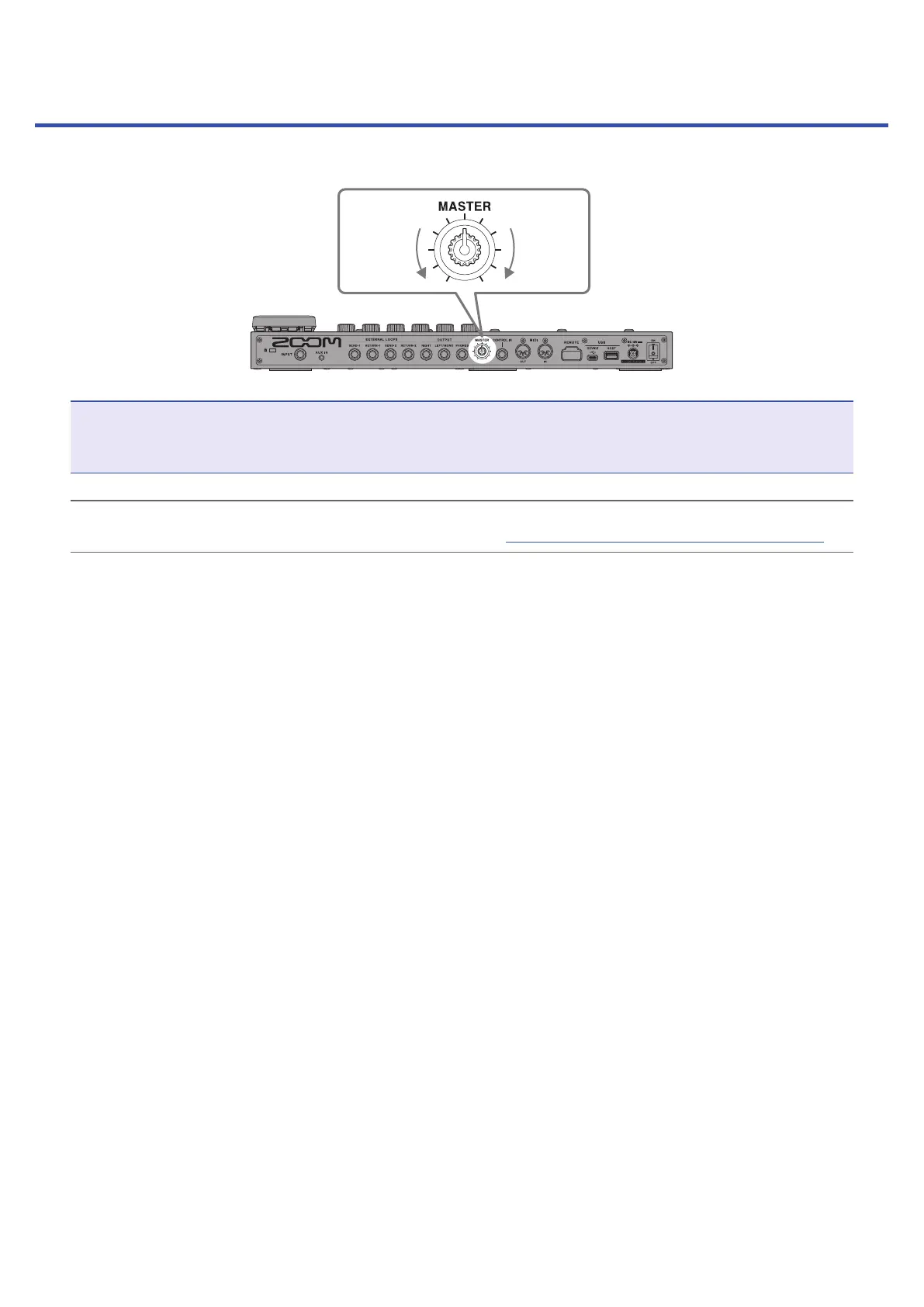
Adjusting the overall volume
The volume output from the G11 can be adjusted.
Lower Raise
NOTE
• The setting range is −∞ to +6 dB.
• When the knob is centered the setting is 0 dB.
HINT
The G11 output level can be set to suit the output device. (
→
“Setting the reference output level” on page94)
19



 To Next Page