Adjusting the display brightness and contrast
The brightness of the touchscreen and the contrast of the amplier and effects section displays can be adjusted.
1.
Touch on the Home Screen.
2.
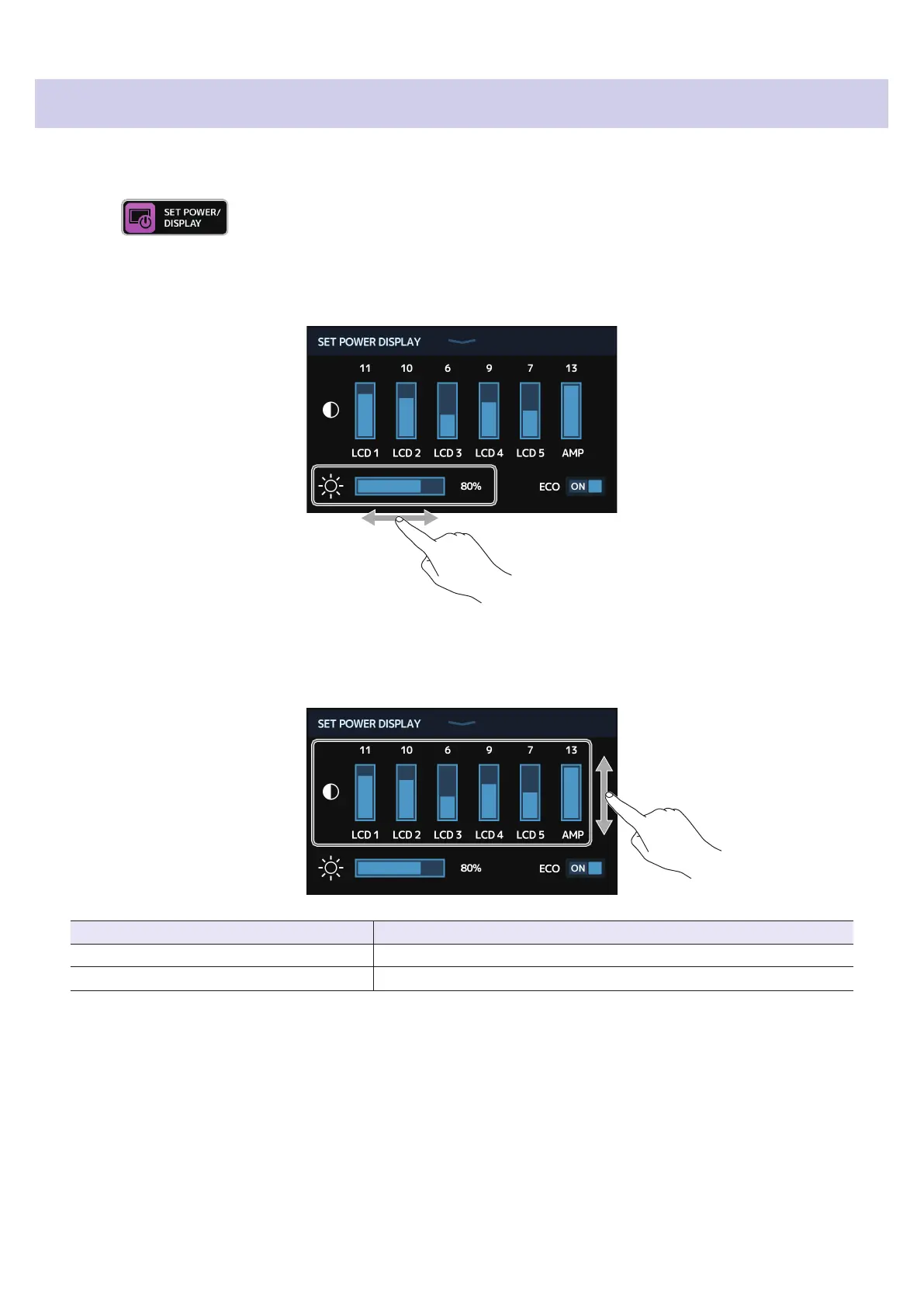
Adjust the brightness of the touchscreen.
Drag left and right to adjust the brightness.
3.
Adjust the contrast of the displays.
Drag up and down to adjust the contrast.
Displays that can be adjusted Explanation
LCD 1–5 Effects Section displays
AMP Amplier Section display
97



 To Next Page