Setting the PRESELECT function
When the PRESELECT function is ON, switching banks with will not change the patch memory
immediately. Selecting a new patch memory will conrm the change. This makes it possible to switch directly to
a patch memory that is not near the current one during live performance.
1.
Touch on the Home Screen.
2.
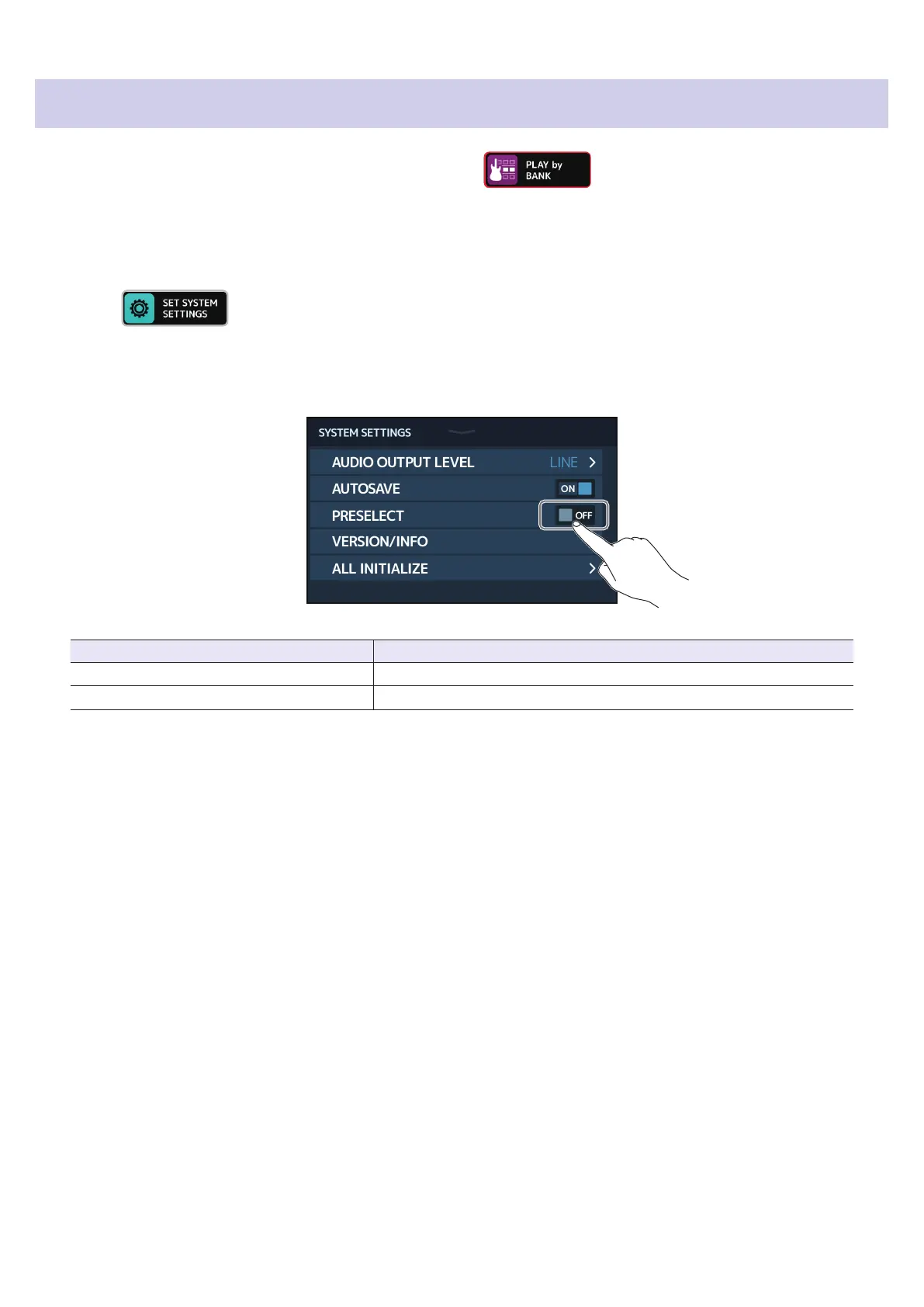
Touch the PRESELECT switch to set it to ON/OFF.
Touching this toggles it ON/OFF.
Setting Explanation
ON This turns on the PRESELECT function.
OFF This turns off the PRESELECT function.
96



 To Next Page