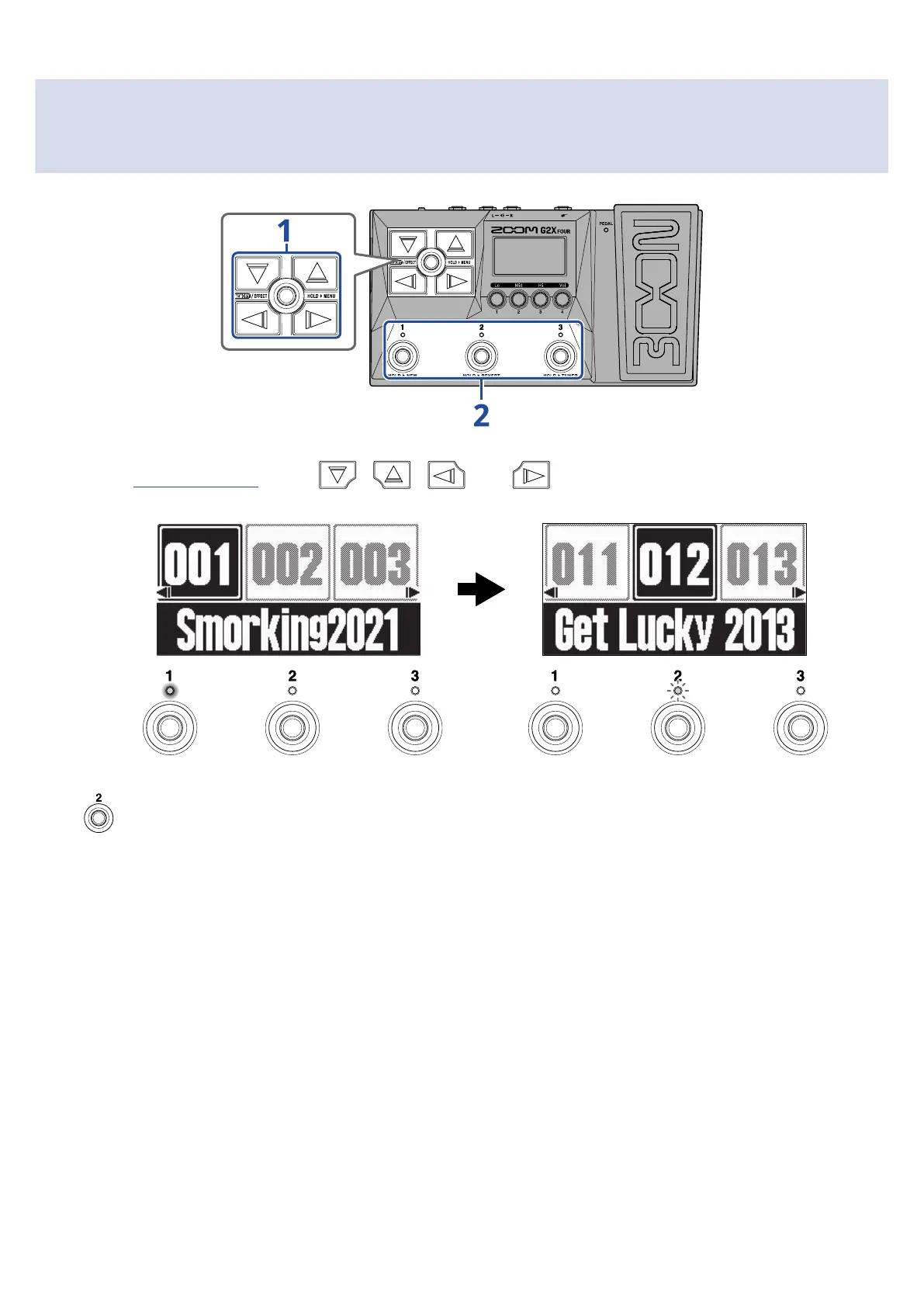
Selecting patch memories when the PRESELECT function
is on
1. On the Memory Screen, press , , and to select the patch memory to use next.
Example: Patch memory 012 selected when playing patch memory 001
The indicator blinks for the footswitch that corresponds to the patch memory selected for use next
( in this case).
27



 To Next Page