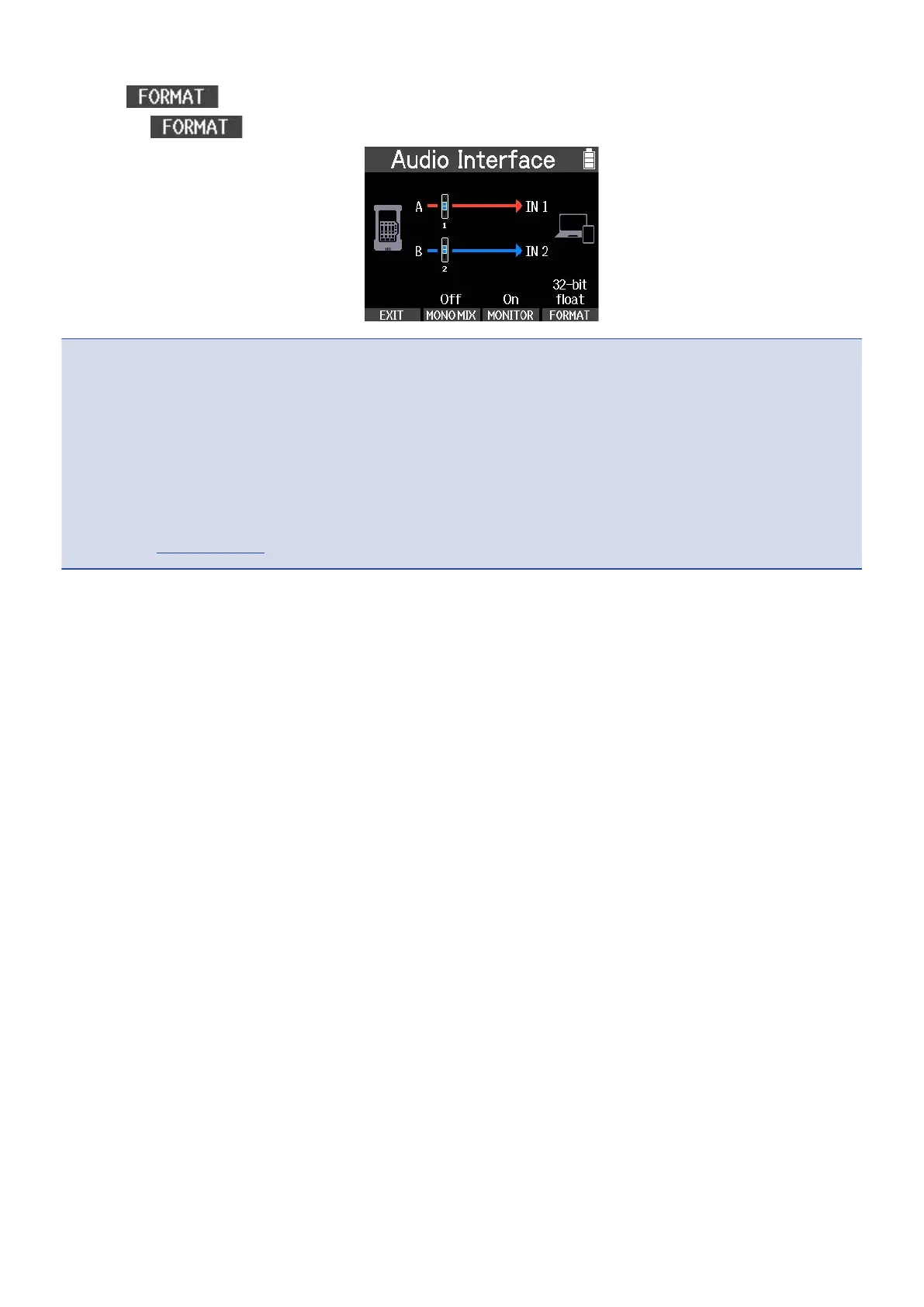
1. Press on the Audio Interface Screen.
Pressing switches the bit depth.
NOTE
Precautions when using 32-bit float format
• Always confirm that the app being used on the computer, smartphone or tablet supports 32-bit float
format before use.
• Before connecting the R4 to headphones or another external device, minimize the R4 headphone
volume.
• A driver is necessary to use 32-bit float format with Windows. Download the driver from the ZOOM
website (zoomcorp.com).
72



 To Next Page