Installation manual 2N® IP Verso
•
•
•
•
Reset Button
Located among the main unit connectors, the Reset button helps you reset the factory default
values, restart the device, find the device IP address and switch the static/dynamic mode.
IP Address Finding
Follow the instructions below toidentify thecurrent IP address:
Press and hold the RESET button.
Wait until the red and green LEDs go on simultaneously on the device and the acoustic
signal can be heard (approx. 15–35 s).
Release the RESET button.
The device automatically announces the current IP address.
•
•
Tip
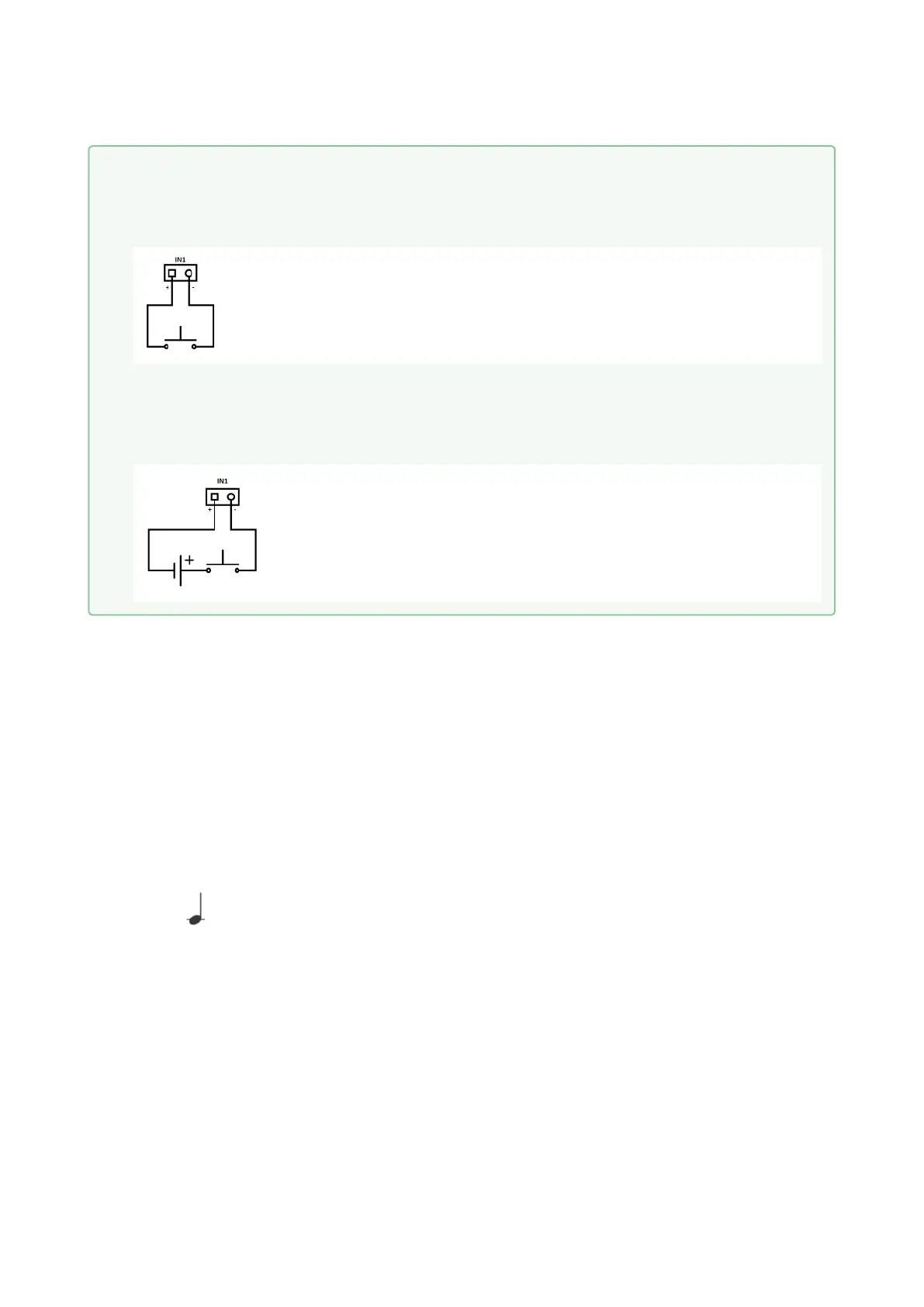
Wiring Diagram of IN1 connector in active mode
Wiring Diagram of IN1 connector in passive mode



 To Next Page