Installation manual 2N® IP Verso
•
•
•
When the static IP address is set, the following default values of the basic network parameters
are reset:
IP address: 192.168.1.100
Network mask: 255.255.255.0
Default gateway: 192.168.1.1
3.2 Intercom Control as Viewed by External User
Quick Dial Buttons
Press the quick dial button on the main unit to dial the first position in the phone directory
(Phone Book) depending on the model type. Use extending modules to extend the number of
quick dial buttons to up to 146.
By pressing the quick dial buttons you dial the phone numbers assigned to the particular Phone
Book position. Call setup is signalled by a long intermittent or any other tone depending on the
configuration of the PBX connected.
•
Note
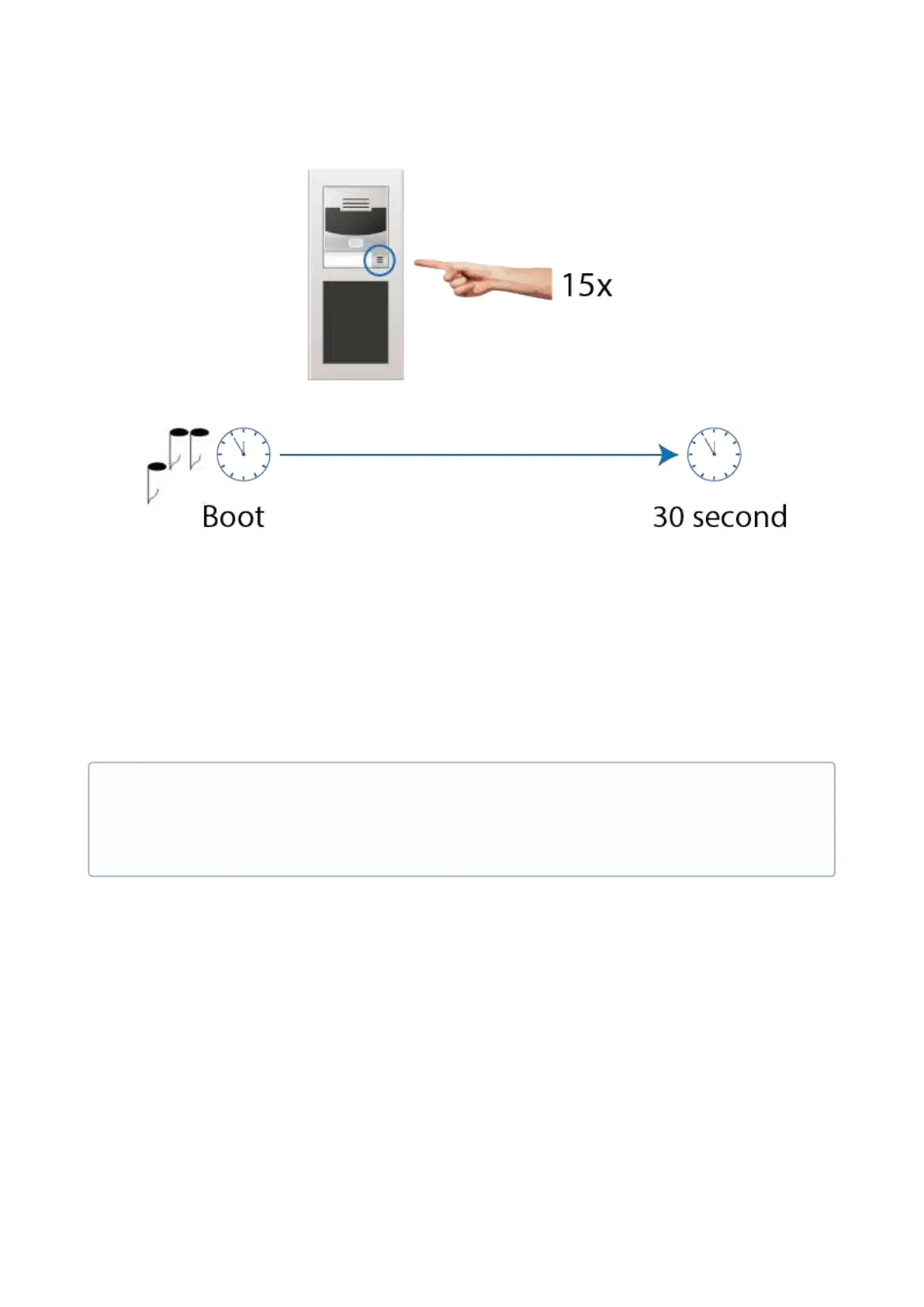
Be sure to press the button sequence within thirty seconds after the sound signal
for security reasons. Up to 2 s intervals are allowed between the presses.



 To Next Page