Installation manual 2N® IP Verso
•
•
Blind Panel
The Blind panel (Part No.9155039) is used to cover an empty position.
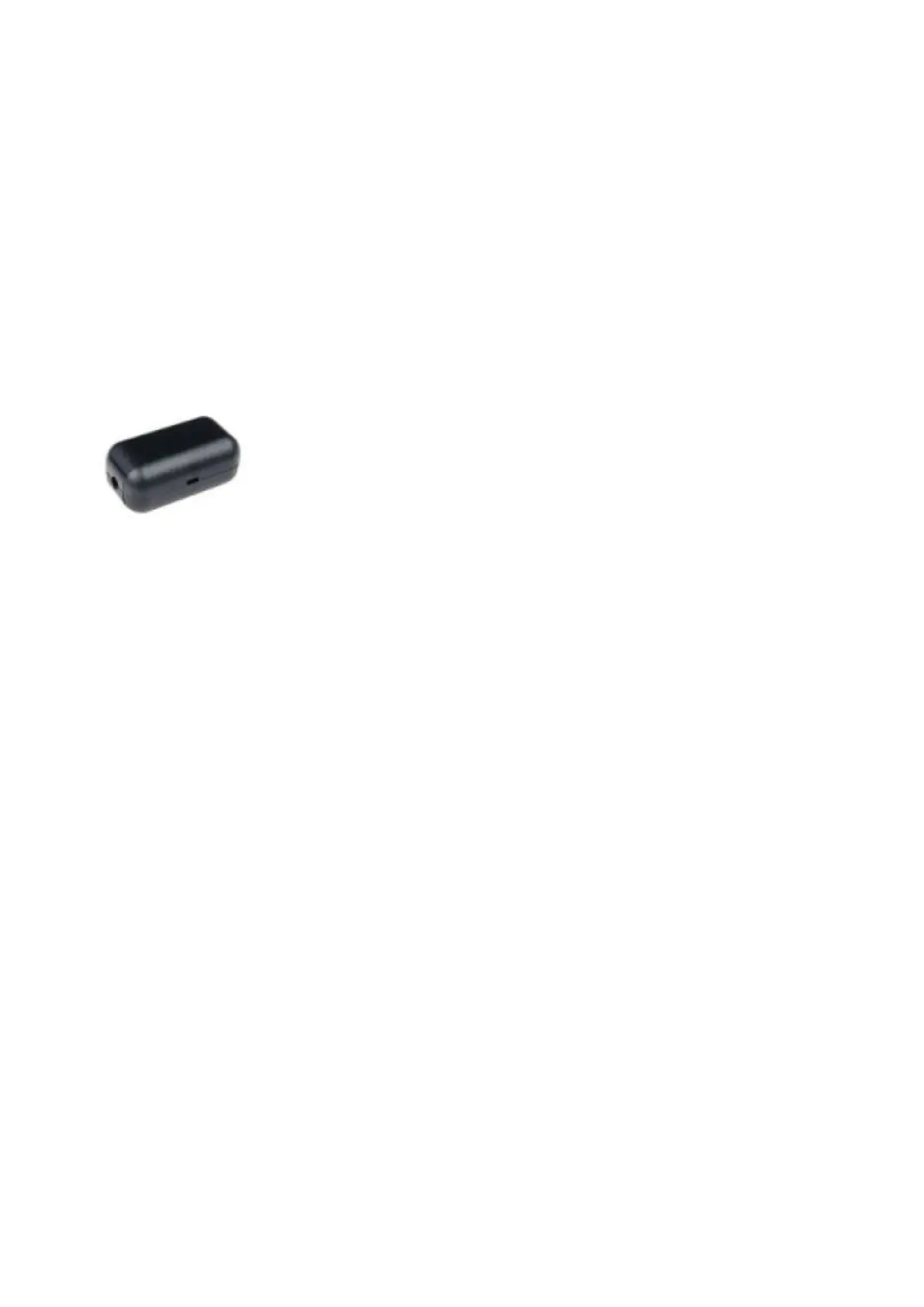
Security Relay
The2N
®
Security Relay(Part No.9159010) is used for enhancing security between the intercom
and the connected electric lock.The2N
®
Security Relayis designed for any2N IPintercom
model withfirmware versions 1.15 and higher. It significantly enhances security of the
connected electriclock as it prevents lock opening by forced intercom tampering.
Function:
The2N
®
Security Relayis a device installed between an intercom (outside the securedarea)
and the electric lock (inside the secured area). The2N
®
Security Relayincludesa relay that can
only be activated if the valid opening code is received from the intercom.
Specifications:
Passive switch: NO and NC contacts, up to 30 V / 1 A AC/DC
Switched output:
Where the security relay is fed from the intercom, 9 to 13 V DC is available on the output
depending on the power supply (PoE: 9 V; adapter: source voltage of minus 1 V) / 400 mA
DC.
Where the security relay is fed from an external power supply, 12 V / 700 mA DC is available
on the output.
Dimensions: (56 x 31 x 24) mm
Weight: 20 g
Installation:
Install the2N
®
Security Relayonto a two-wire cable between the intercom and theelectric lock
inside the area to be secured (typically behind the door). The device is poweredand controlled



 To Next Page