8.5.2 Setting LHMI
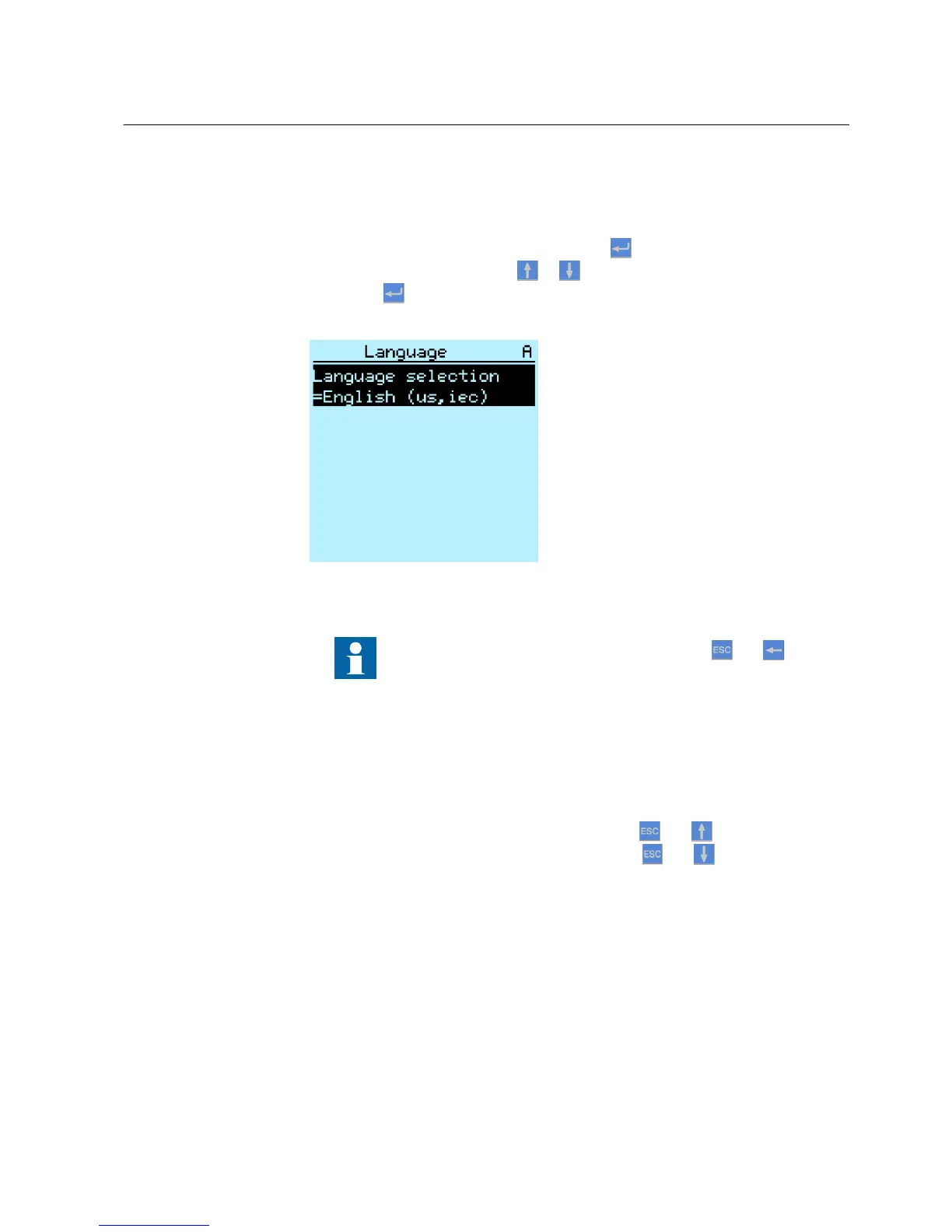
8.5.2.1 Changing LHMI language
1.
Select Main Menu/Language and press
.
2.
Change the language with or .
3.
Press to confirm the selection.
4. Commit the changes.
A071010 V2 EN
Figure 66: Changing the LHMI language
To change the language using a shortcut, press
and
simultaneously.
8.5.2.2 Adjusting display contrast
Adjust the display contrast anywhere in the menu structure to obtain optimal
readability.
•
To increase the contrast, press simultaneously and .
•
To decrease the contrast, press simultaneously and .
The selected contrast value is stored in the non-volatile memory if you are logged in
and authorized to control the IED. After an auxiliary power failure, the contrast is
restored.
8.5.2.3 Changing display symbols
To switch between the display symbols IEC 61850, IEC 60617 and IEC-ANSI:
1MRS756708 A Section 8
Commissioning
615 series 103
Operation Manual



 To Next Page