4.1.9.3 Changing the default view
The default view of the display is Measurements unless set otherwise.
1.
Select Main menu/Configuration/HMI/Default view and press
.
2.
Change the default view with or .
3.
Press to confirm the selection.
4.1.10 Browsing setting values
1.
Select Main Menu/Settings/Settings and press .
2.
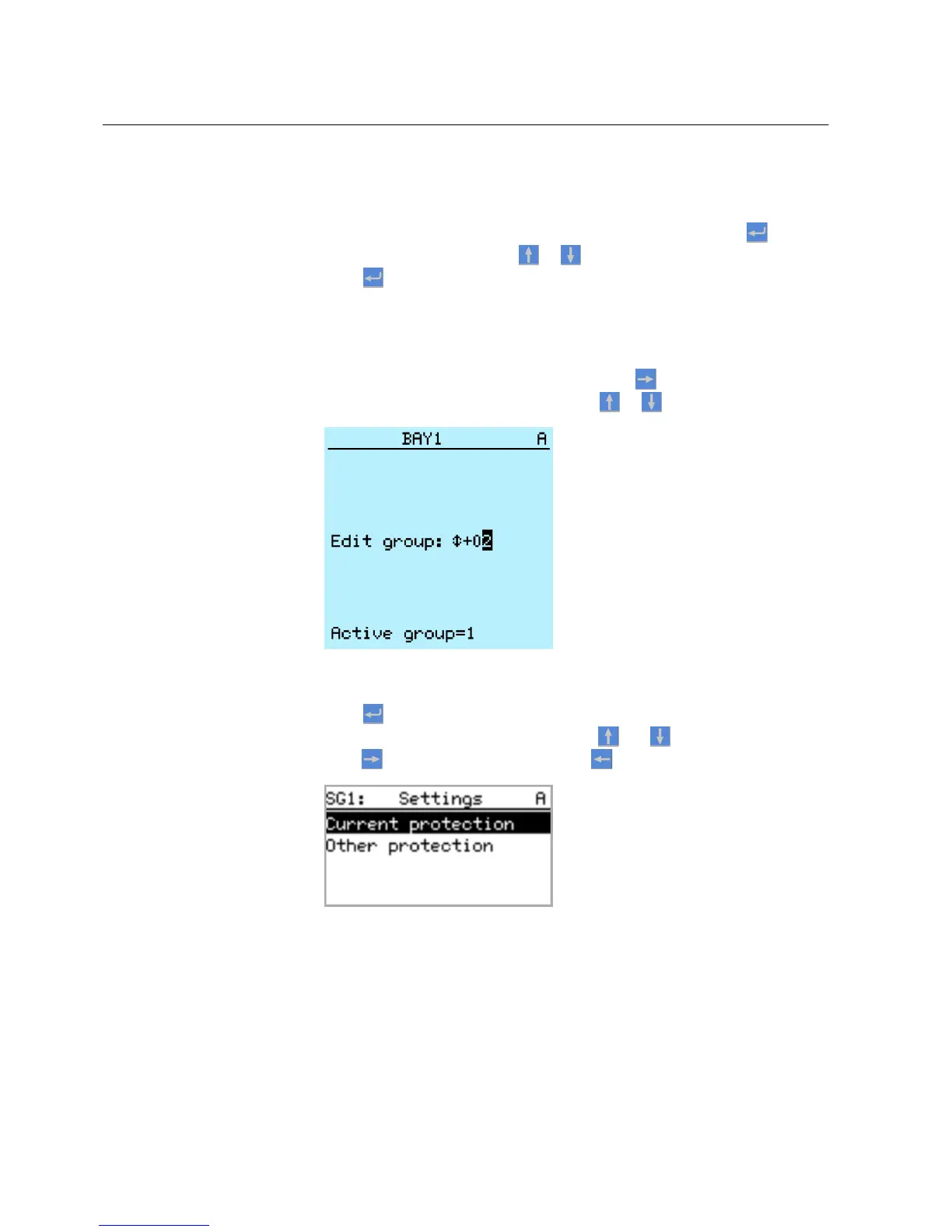
Select the setting group to be viewed with or .
A070858 V2 EN
Figure 14: Selecting a setting group
3.
Press to confirm selection.
4.
To browse the settings, scroll the list with and and to select a setting
press
. To move back to the list, press .
A070859 V1 EN
Figure 15: Setting alternatives in the selected setting group
4.1.11 Editing values
You must be logged in and authorized to edit values.
Section 4 1MRS756708 A
Using HMI locally or via web interface
36 615 series
Operation Manual



 To Next Page