A070754 V3 EN
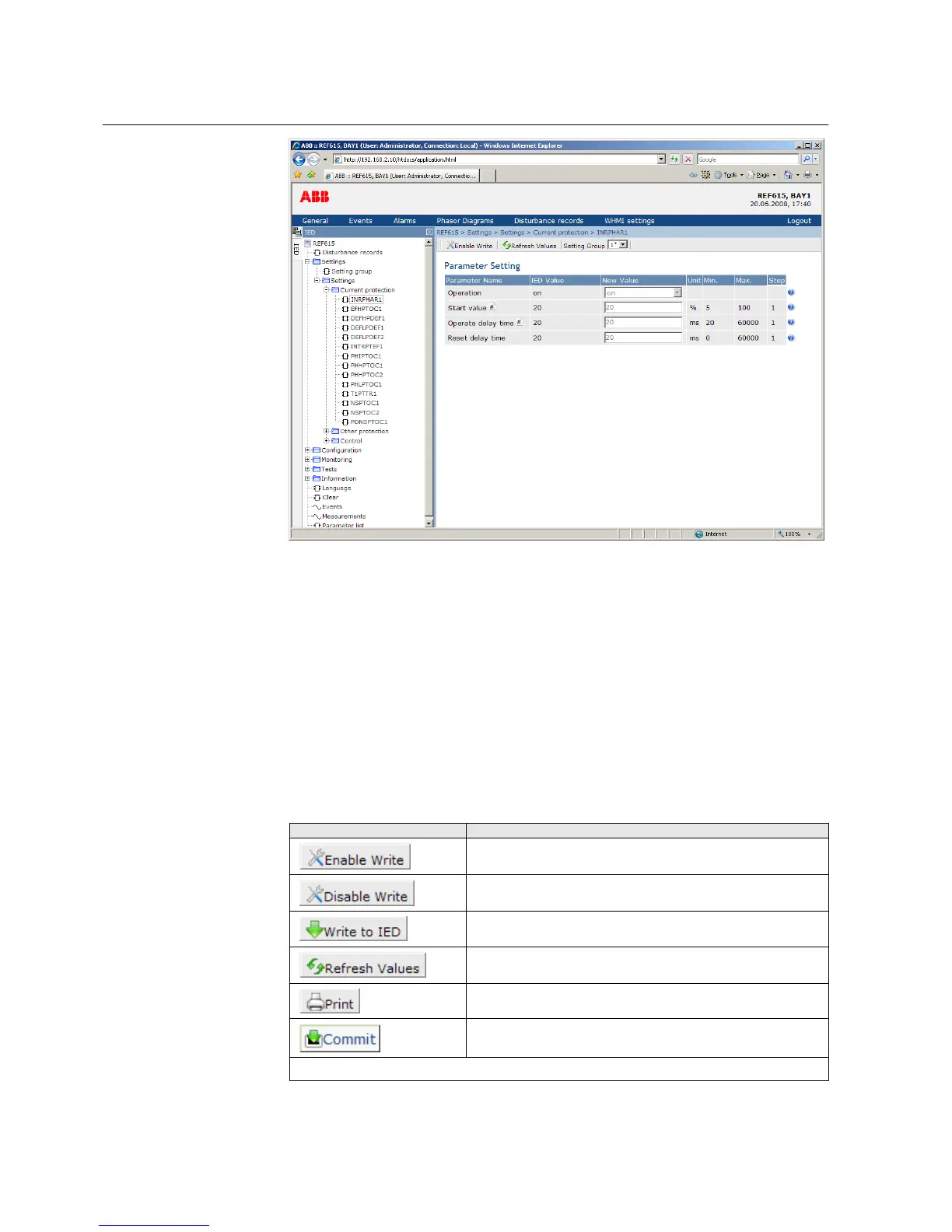
Figure 5: Example view of the WHMI
The WHMI can be accessed:
• Locally by connecting your laptop to the IED via the front communication port.
• Remotely over LAN/WAN.
3.3.1 Command buttons
Command buttons can be used to edit parameters and control information via the
WHMI.
Table 11: Command buttons
Name
Description
Enabling parameter editing.
Disabling parameter editing.
Writing parameters to the IED.
Refreshing parameter values.
Printing out parameters.
Committing changes to IED's non-volatile flash memory.
Table continues on next page
Section 3 1MRS756708 A
615 series overview
24 615 series
Operation Manual



 To Next Page