A070934 V2 EN
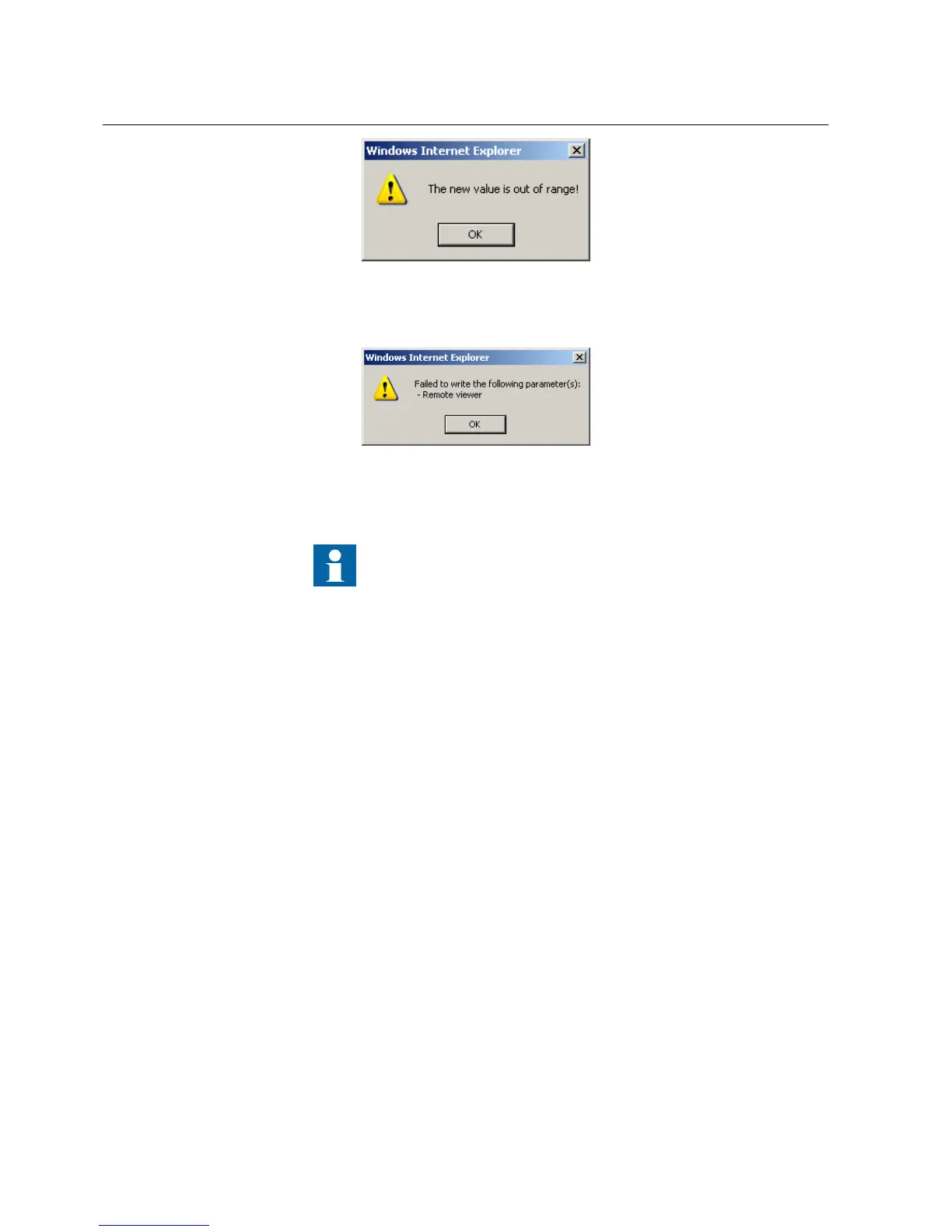
Figure 29: Warning indicating that the entered value is incorrect
• If writing values fails, a warning dialog box is displayed.
GUID-E10EE091-CFB9-4278-9FA4-7340C26F5814 V1 EN
Figure 30: Warning indicating that the values were not written to the
IED
If you accidentally click Enable Write, click Disable Write.
However, Disable Write is not selectable if a value has already been
written to the IED. If Write to IED has been clicked, you can only
Commit or Reject.
4.2.7 Committing settings
Editable values are stored either in RAM or in non-volatile flash memory. Values
stored in flash memory are in effect also after reboot.
Some parameters have an edit-copy. If editing is cancelled, the values with an edit-
copy are immediately restored to the original value. The values without an edit-copy,
such as string values, are restored to the original value only after a reboot even though
the edited value is not stored in the flash memory.
1. Click Write to IED after editing parameter values to put the values into IED's
database for use.
Section 4 1MRS756708 A
Using HMI locally or via web interface
48 615 series
Operation Manual



 To Next Page