A070929 V3 EN
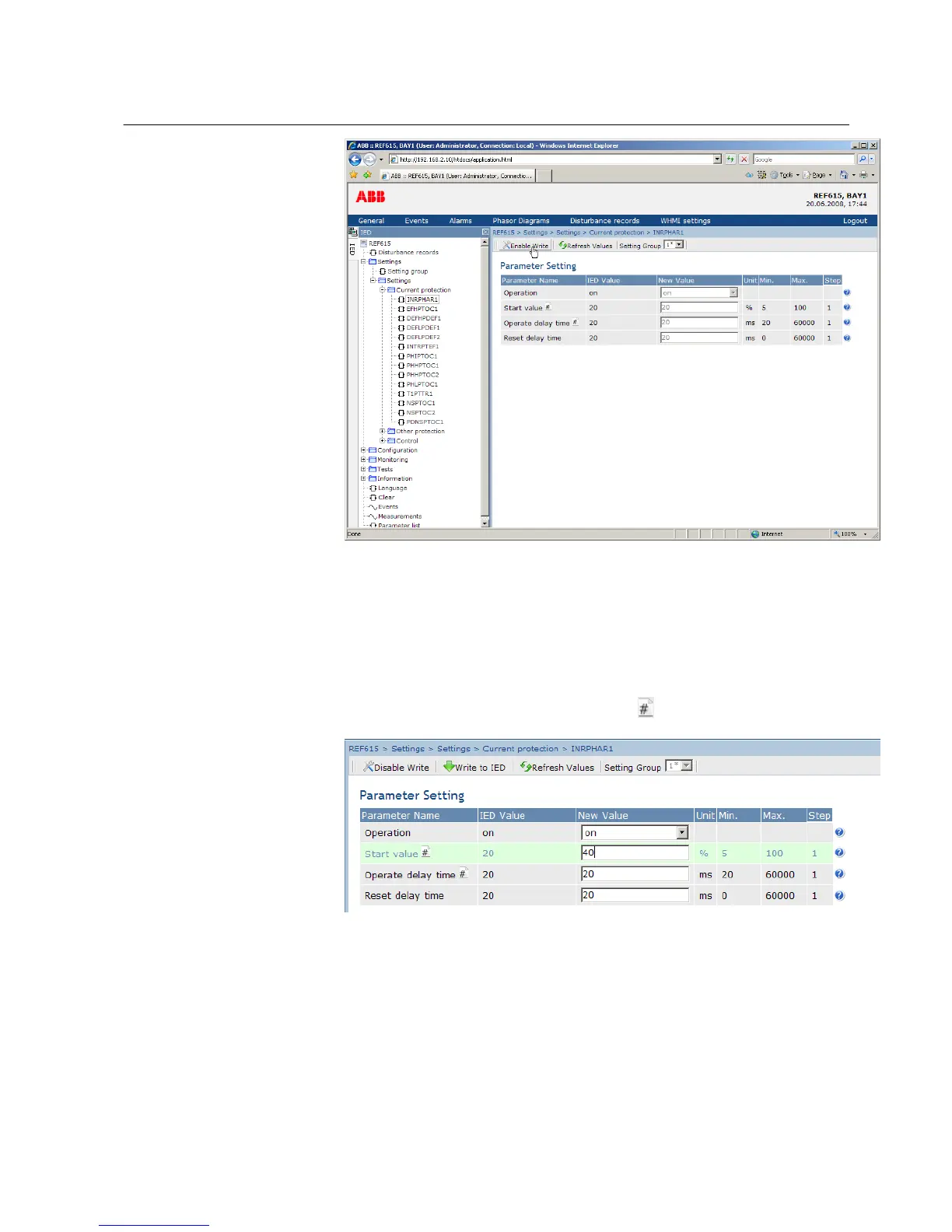
Figure 27: Enable writing to edit a value
The selected setting group is shown in the Setting Group drop-down box. The
active setting group is indicated with an asterisk *.
5. Edit the value.
• The minimum, maximum and step values for a parameter are shown in
the Min., Max. and Step columns.
•
Setting group values are indicated with .
A070930 V3 EN
Figure 28: Editing value
• If the entered value is within the accepted value range, the selection is
highlighted in green. If the value is out of range, the row is highlighted in
red and a warning dialog box is displayed.
1MRS756708 A Section 4
Using HMI locally or via web interface
615 series 47
Operation Manual



 To Next Page