A071010 V2 EN
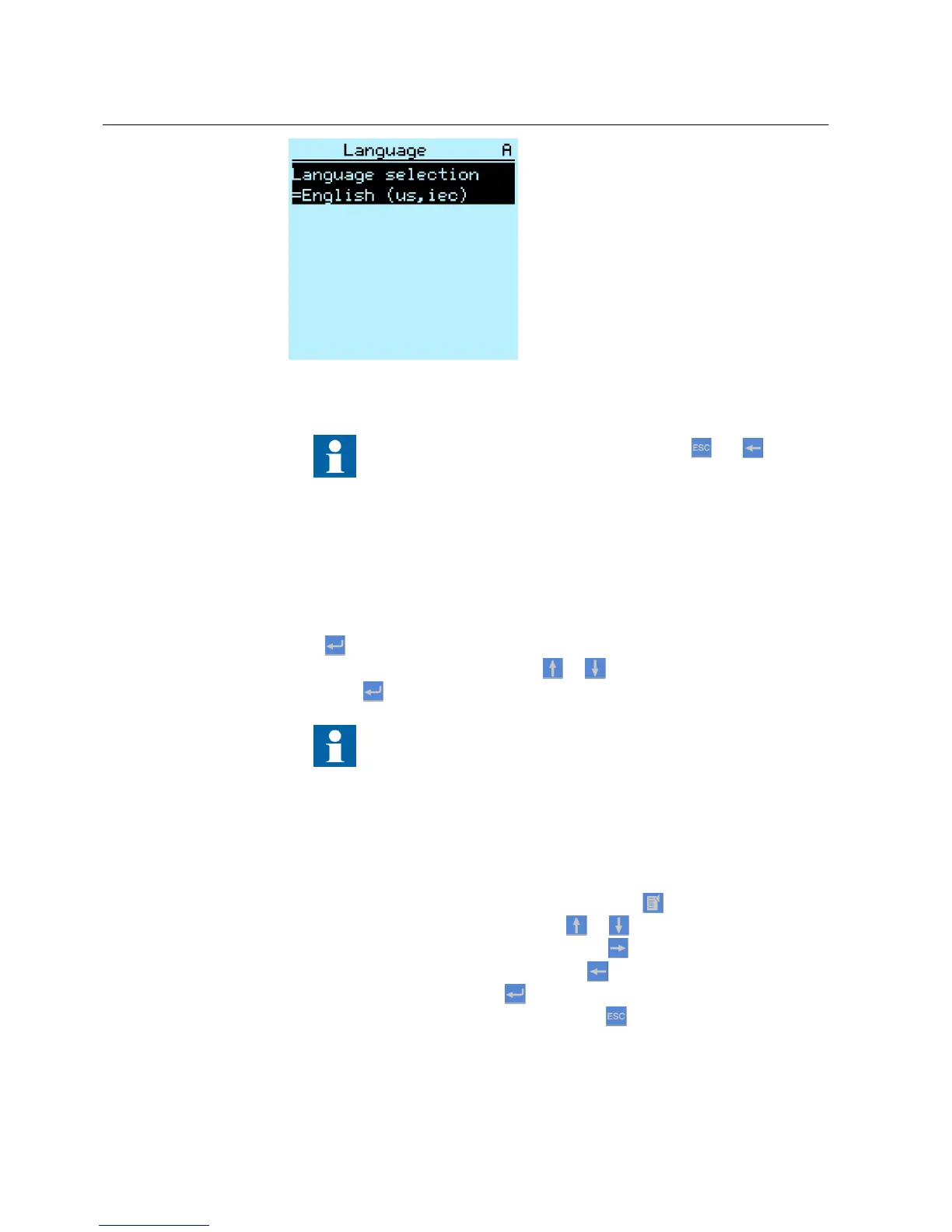
Figure 12: Changing the LHMI language
To change the language using a shortcut, press and
simultaneously.
4.1.8 Changing display symbols
To switch between the display symbols IEC 61850, IEC 60617 and IEC-ANSI:
1. Select Main Menu/Configuration/HMI/FB naming convention and press
.
2.
Change the display symbols with
or .
3.
Press to confirm the selection.
The IED has to be rebooted if the WHMI display symbols are
changed. With the LHMI, the change takes effect immediately.
4.1.9 Navigating in the menu
Navigate the menus and change the display views on the screen with the keypad.
•
To move to the Main Menu or default view, press
.
•
To move up or down in a menu, press or .
•
To move downwards in the menu tree, press .
•
To move upwards in the menu tree, press .
•
To enter setting mode, press
.
•
To leave setting mode without saving, press .
Section 4 1MRS756708 A
Using HMI locally or via web interface
34 615 series
Operation Manual



 To Next Page