A071226 V3 EN
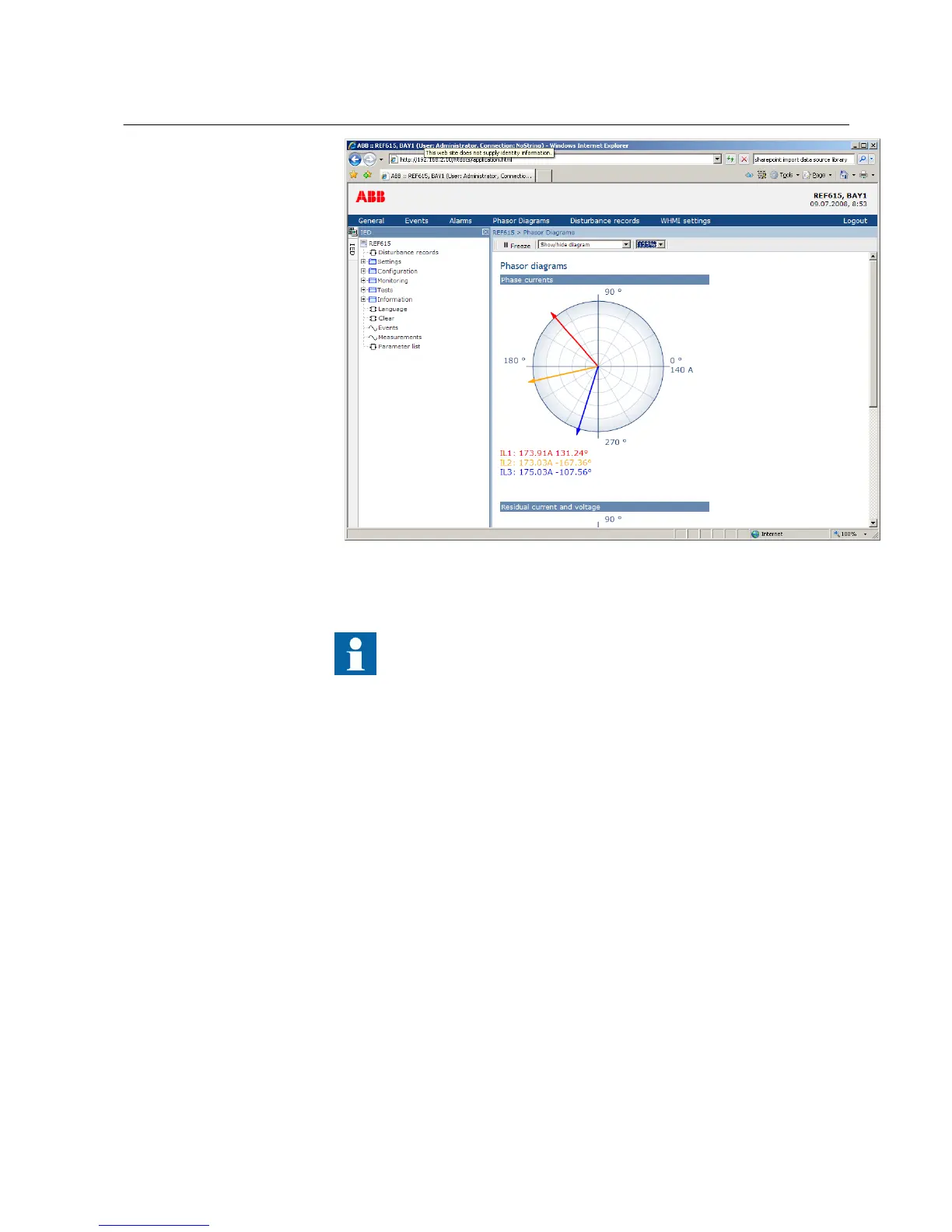
Figure 42: The arrow extends outside the circle if the current value is too
high
Install an SVG plugin to view the phasor diagrams.
4.2.13 Selecting disturbance records
1. Click Disturbance records in the menu bar.
2. Click Manual trigger to start a recording.
3. Select individual recordings and click Delete to delete them.
4. Click Delete all to clear all recordings.
4.2.14 Using WHMI help
The context sensitive WHMI help provides information, for example, of a single
parameter.
1. Click the Help button.
The help dialog box is displayed.
1MRS756708 A Section 4
Using HMI locally or via web interface
615 series 61
Operation Manual



 To Next Page