A070936 V3 EN
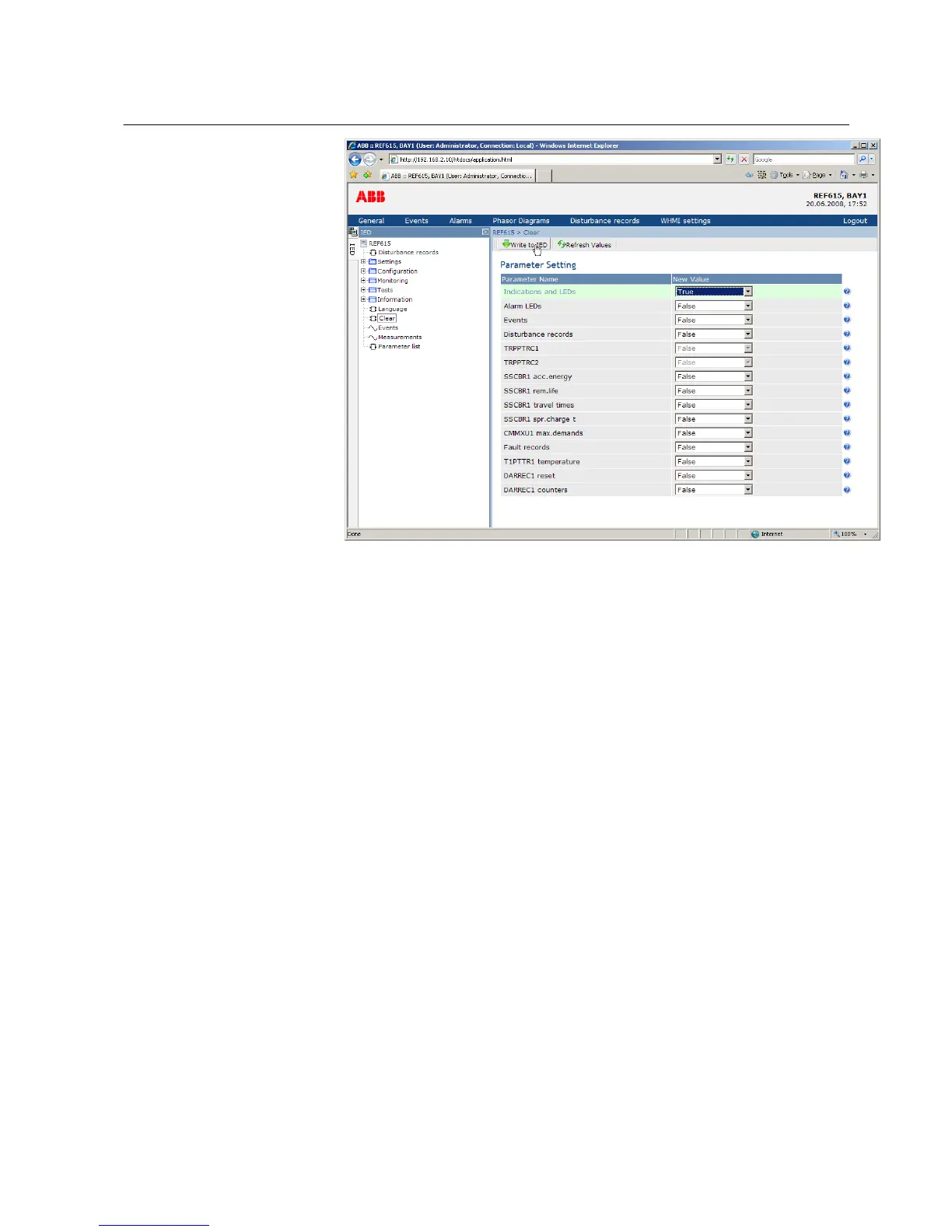
Figure 34: Clearing indications and LEDs
4.2.9 Selecting alarm view
Alarm view shows the status of alarm LEDs. These are the same LEDs that are located
on the upper right side of the LHMI panel.
• Click Alarms in the menu bar.
1MRS756708 A Section 4
Using HMI locally or via web interface
615 series 51
Operation Manual



 To Next Page