A071160 V2 EN
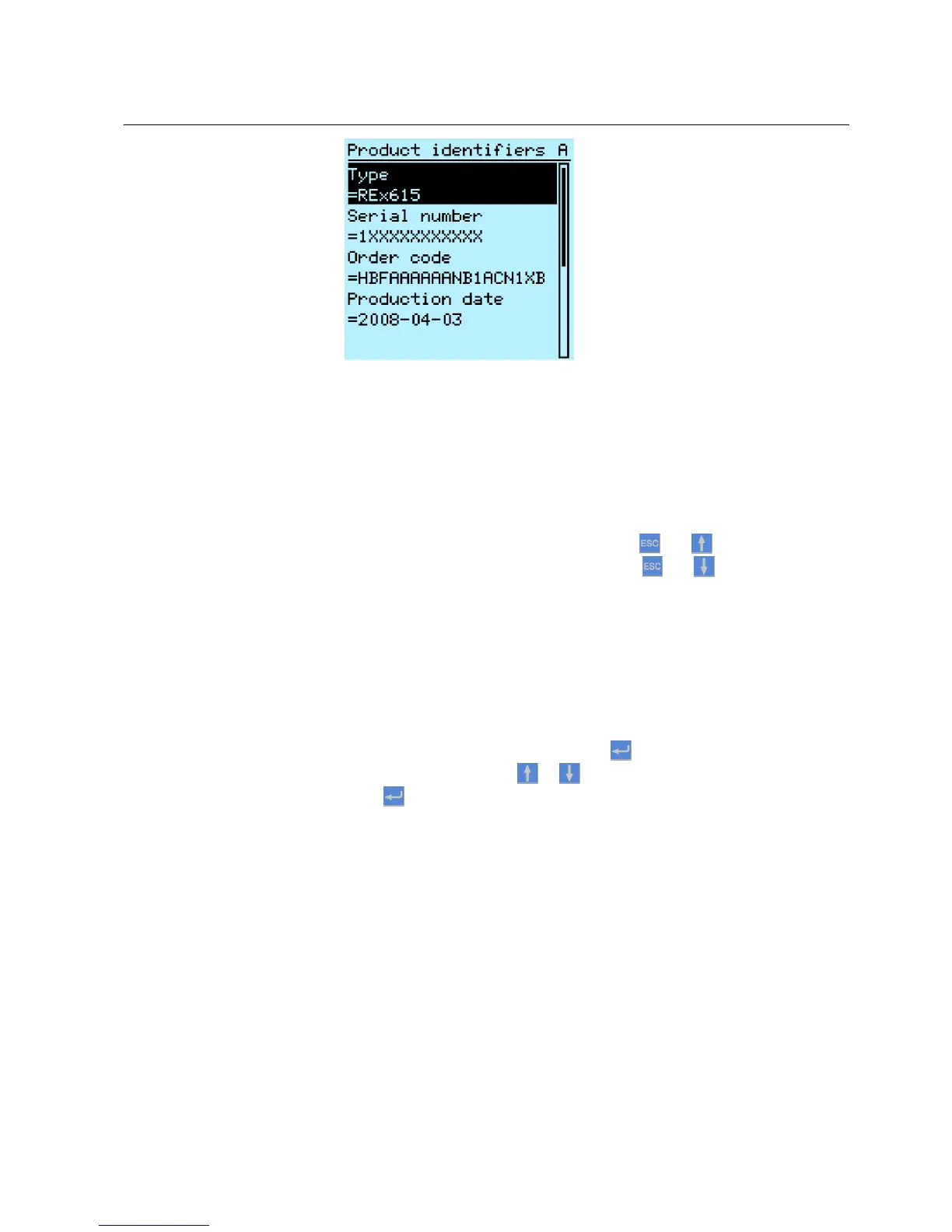
Figure 11: IED information
4.1.6 Adjusting display contrast
Adjust the display contrast anywhere in the menu structure to obtain optimal
readability.
•
To increase the contrast, press simultaneously
and .
•
To decrease the contrast, press simultaneously and .
The selected contrast value is stored in the non-volatile memory if you are logged in
and authorized to control the IED. After an auxiliary power failure, the contrast is
restored.
4.1.7 Changing LHMI language
1.
Select Main Menu/Language and press .
2.
Change the language with or .
3.
Press
to confirm the selection.
4. Commit the changes.
1MRS756708 A Section 4
Using HMI locally or via web interface
615 series 33
Operation Manual



 To Next Page