6.1.3.1 Creating disturbance recordings
Normally disturbance recordings are triggered by the IED applications but the
recording can also be triggered manually.
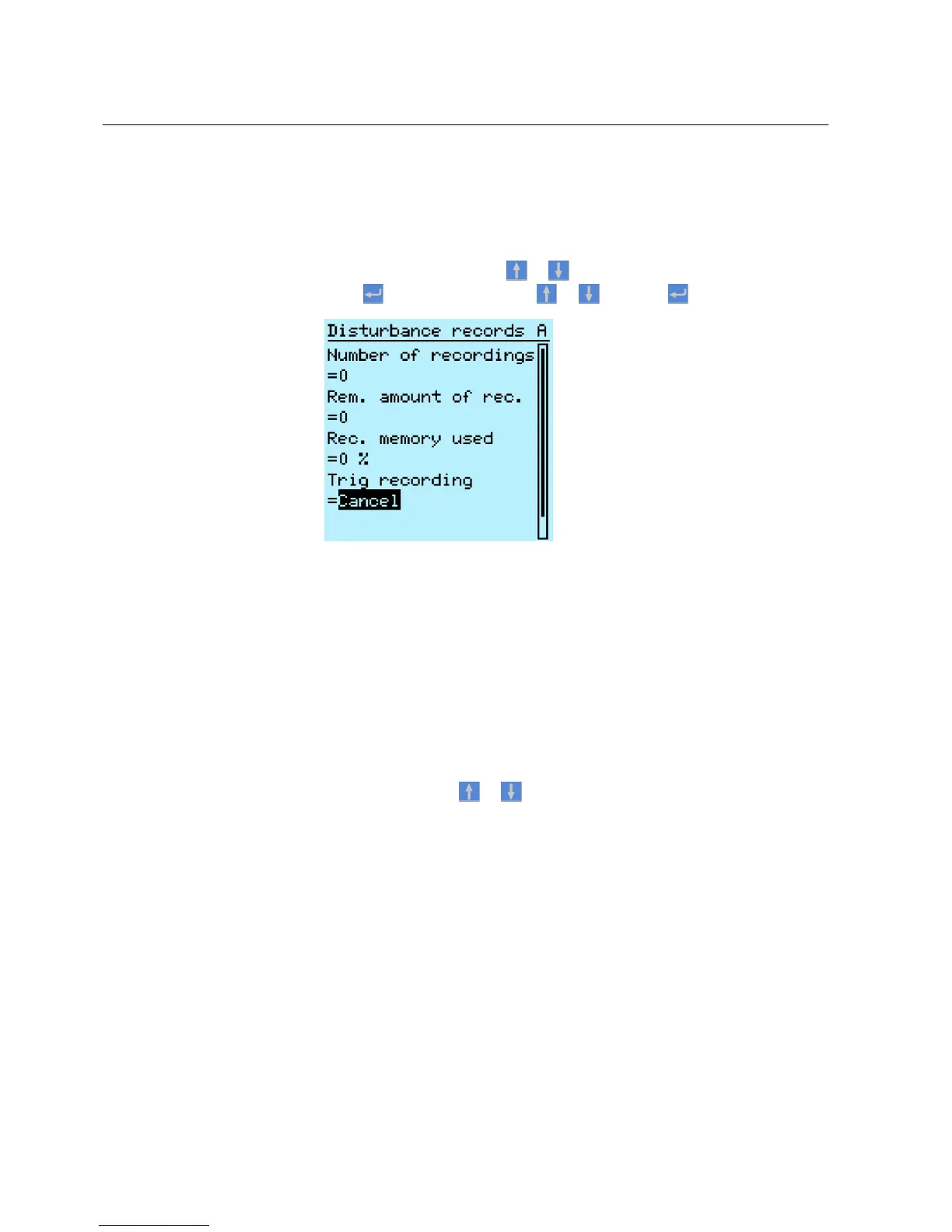
1. Select Main menu/Disturbance records.
2.
Select Trig recording with or .
3.
Press , change the value with or and press again.
A070861 V2 EN
Figure 46: Changing the value
The disturbance recorder is now triggered.
6.1.3.2 Monitoring disturbance recorder data
Upload individual disturbance recordings from the IED with the PCM600 software
to monitor disturbance recorder data.
1. Select Main menu/Disturbance records.
All the disturbance recorder information is listed.
2.
Scroll the view with or .
The following items are listed in the view:
• Number of recordings currently in the IED memory.
• Remaining amount of recordings that fit into the available recording
memory.
• Recording memory used in percentage.
• If the periodic triggering function is used, the time to trigger which
indicates the remaining time to the next periodic triggering of the
disturbance recorder.
Section 6 1MRS756708 A
Operating procedures
70 615 series
Operation Manual



 To Next Page