Section 4 Using HMI locally or via web interface
4.1 Using LHMI
You must be logged in and authorized to use the LHMI. Password authorization is
disabled by default and can be enabled either via the LHMI or WHMI.
To enable password authorization, select Main Menu/
Configuration/Authorization/Local override. Set the parameter to
False.
4.1.1 Logging in
1.
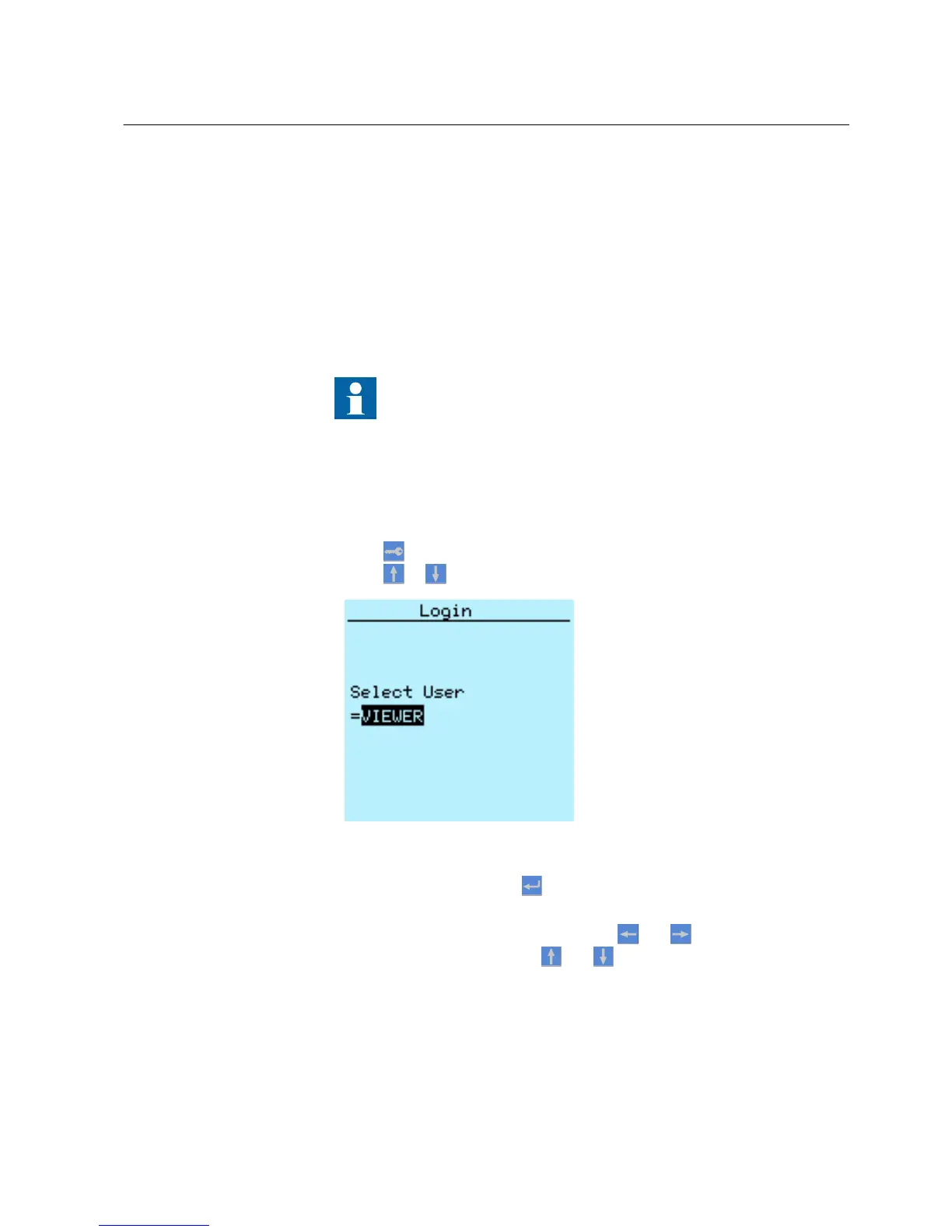
Press to activate the login procedure.
2.
Press or to select the user level.
A070888 V2 EN
Figure 6: Selecting access level
3.
Confirm the selection with .
4. Enter the prompted password digit by digit.
•
Activate the digit to be entered with and .
•
Enter the character with
and .
1MRS756708 A Section 4
Using HMI locally or via web interface
615 series 29
Operation Manual



 To Next Page