A070925 V3 EN
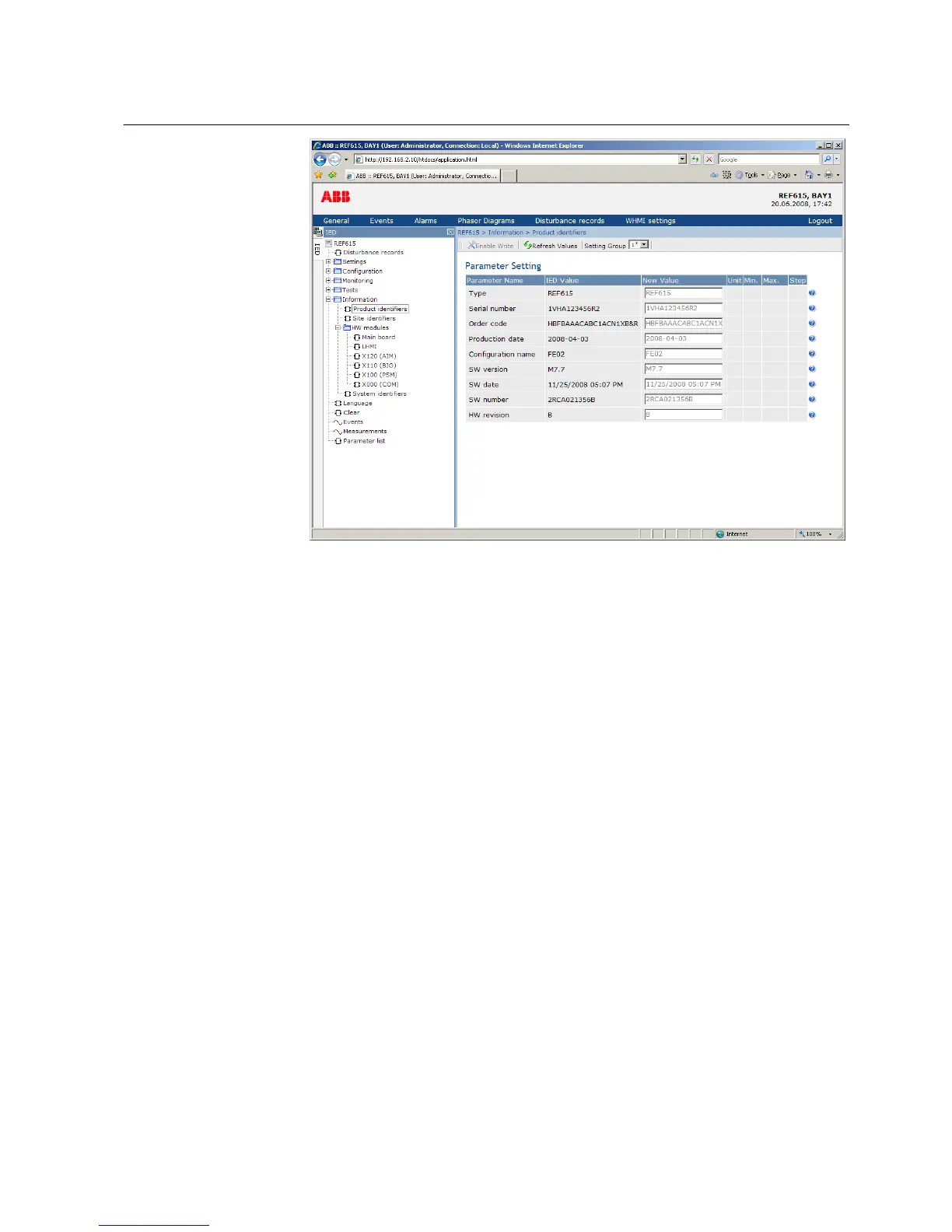
Figure 23: Device information
4.2.4 Navigating in the menu
The menu tree structure on the WHMI is identical to the one on the LHMI. Use the
menu bar to access different views.
• The General view shows the IED version and status.
• The Events view contains a list of events produced by the application
configuration.
• The Alarms view shows the status of alarm LEDs.
• The Phasor diagrams view shows phasor diagrams.
• The Disturbance records view shows the list of disturbance records.
• The WHMI settings view contains user settings for the client, that is the web
browser. WHMI settings include, for example, the client-specific setting for the
WHMI language. Different users can use different languages when connecting
to the same IED. The WHMI language selection is independent of the language
selection for the LHMI.
• Logout ends the session.
1MRS756708 A Section 4
Using HMI locally or via web interface
615 series 43
Operation Manual



 To Next Page