A070931 V3 EN
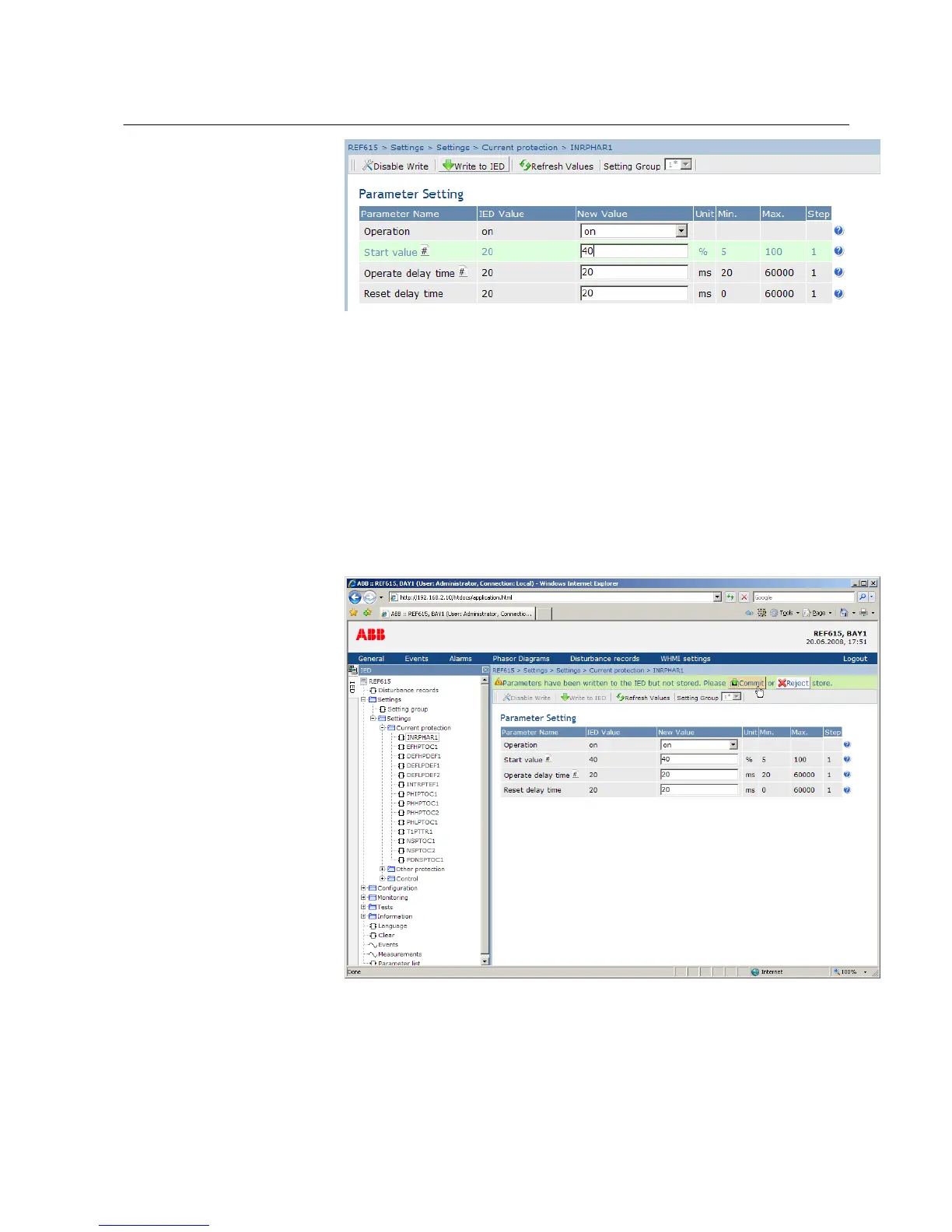
Figure 31: Writing values to IED
The values are not stored to the flash memory.
2. Click Commit to write the values to the flash memory.
• Click Reject to cancel saving settings.
• If the parameter has an edit-copy, the original parameter value is
restored.
• If the parameter does not have an edit-copy, the edited parameter
value remains visible until you reboot the IED. However, the edited
value is not stored in non-volatile memory and thus the reboot
restores the original value.
A070932 V3 EN
Figure 32: Committing changes
1MRS756708 A Section 4
Using HMI locally or via web interface
615 series 49
Operation Manual



 To Next Page