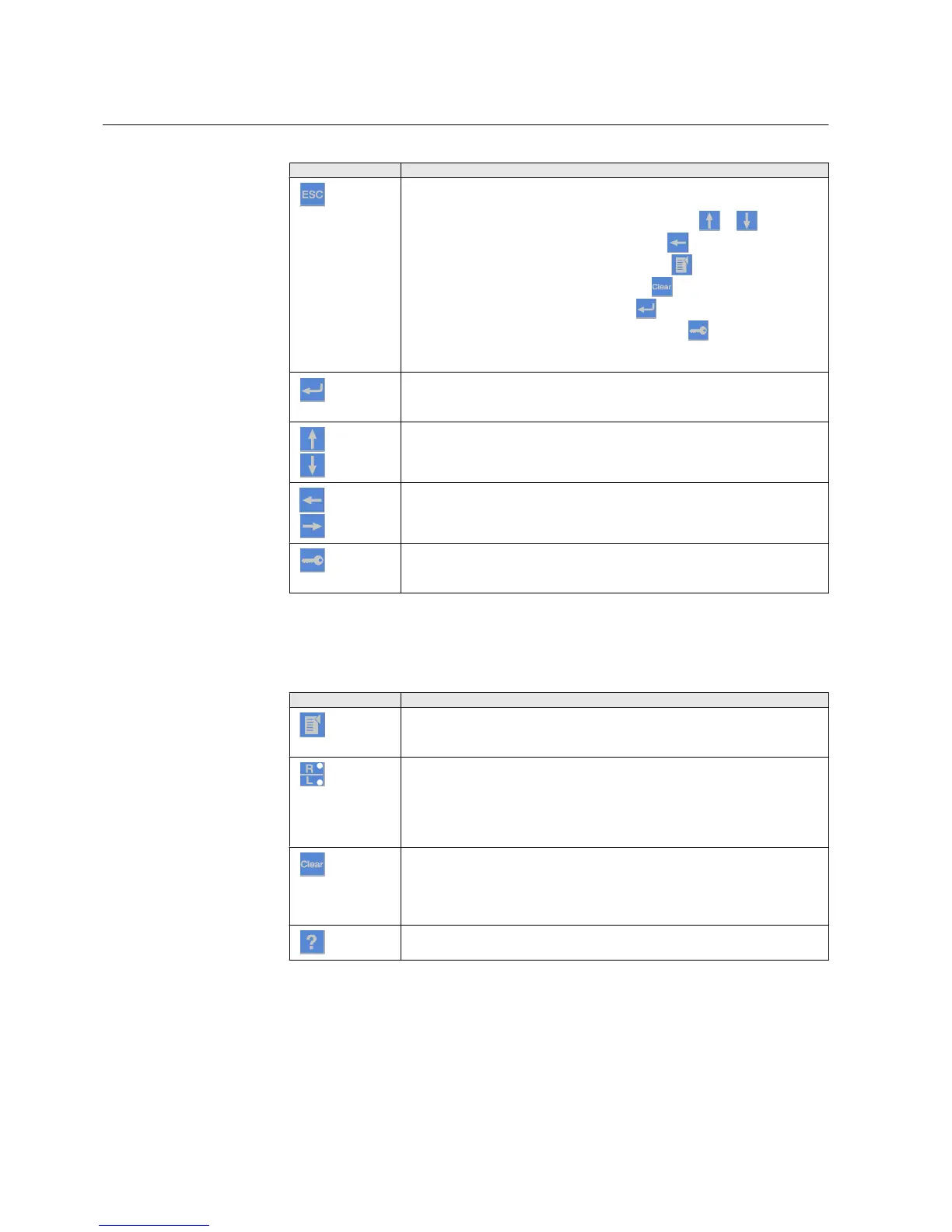
Table 5: Navigation push-buttons
Name Description
ESC
• Leaving setting mode without saving the values.
• Cancelling certain actions.
•
Adjusting the display contrast in combination with or .
•
Changing the language in combination with .
•
Running the display test in combination with .
•
Deleting a character in combination with
when editing a string.
•
Inserting a space in combination with when editing a string.
•
Clearing the LCT indication in combination with when pressed for five
seconds. This operation requires the administrator rights.
Enter
• Entering parameter setting mode.
• Confirming a new value of a setting parameter.
Up
Down
• Moving up and down in menus.
• Scrolling active digits of a parameter when entering a new setting value.
Left
Right
• Moving left and right in menus.
• Changing the active digit of a parameter when entering a new setting value.
Key
• Activating the authorization procedure, when the user is not logged in.
• Logging out, when the user is currently logged in.
Commands
Table 6: Command push-buttons
Name
Description
Menu
• Moving directly to Main menu, if currently in any other menu or view.
• Moving to the default view, if currently in Main menu.
R/L
Changing the control position (remote or local) of the device.
• When the R LED is lit, remote control is enabled and local control disabled.
• When the L LED is lit, local control is enabled and remote control disabled.
• When none of the LEDs are lit, both control positions are disabled.
Clear
• Activating the Clear/Reset view.
• Clearing indications and LEDs. The first three-second press clears the
indications. The second three-second press clears the alarm LEDs.
Requires appropriate user rights.
Help
Showing context sensitive help messages.
Section 3 1MRS756708 A
615 series overview
20 615 series
Operation Manual



 To Next Page