PATIENT TESTING - 6
VerifyNow System User Manual Page 48 14340.J
4.
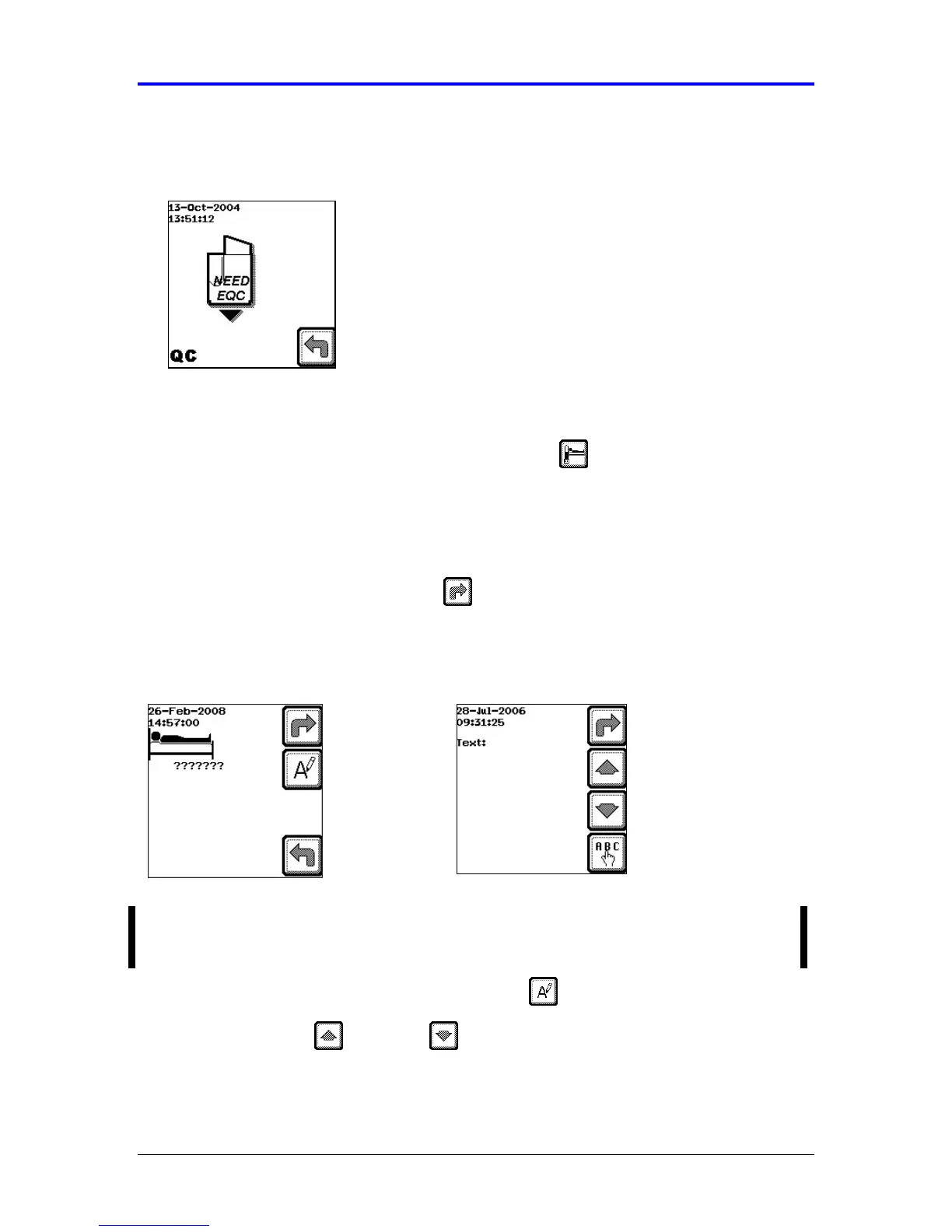
If sufficient time has elapsed, the instrument will prompt you to perform an EQC
(Figure 6-4). Refer to Chapter 5, Quality Controls for more information.
Figure 6-4 EQC Required
After a PASS has been achieved on EQC the instrument will be ready to perform
an assay.
5.
When the initial screen displays, press the Assay key. If the patient ID is
required, the patient ID prompt will display. If not, the instrument will prompt you
to insert the assay device (go to step 3).
A series of question marks will signify the required length of the patient ID
established by your institution. Use the numerical pad to input a numerical
patient ID and then press the Next key (
Figure 6-5).
Figure 6-5 Patient ID
To enter a letter for patient ID, press the Text key.
• Use the up and down arrows to scroll through the text option
screens. At the desired screen, press the (←
←←
←) or (→
→→
→) to move to the
desired character.
NOTE: A question mark is not a valid input. All question marks must be replaced
by valid patient ID numbers in order to proceed with performing the assay.



 To Next Page