TROUBLESHOOTING - 10
VerifyNow System User Manual Page 89 14340.J
10 Troubleshooting
Occasionally, an unanticipated event occurs which interrupts the operation of the
VerifyNow instrument. The VerifyNow System is equipped to detect events due to
system malfunction, adverse environmental conditions, and variations in operator
technique. This section covers the resolution of minor events that may be
experienced during use of the VerifyNow instrument. In most situations, the
recommended recovery consists of removing the affected assay device, looking up
the displayed code in the following section, and re-performing the assay after
correcting the issue. In the event of a major malfunction, please notify Accumetrics
Customer Support.
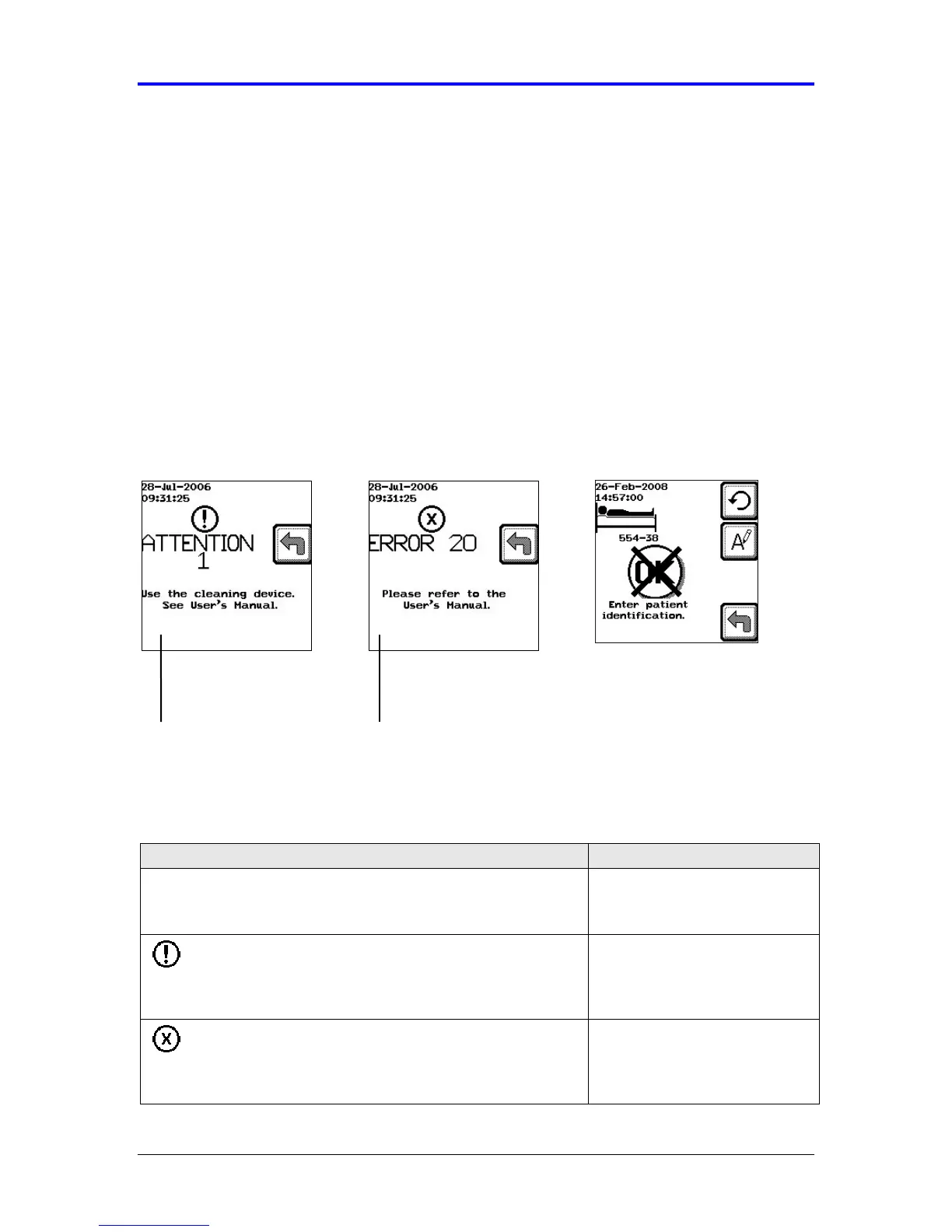
The instrument reports five different types of events. These include messages, alerts,
errors, alarms, and electronic diagnostics. Figure 10-1 Error! Reference source not
found.provides an example of an error message and an alert (attention) message.
Figure 10-1 Example Alert (Attention) and Error Messages
Refer to Table 10-1 for instructions on what to do if you experience one of the five
events.
Table 10-1 What To Do When an Unexpected Event Occurs
Event and Description - What it means Resolution – What to do
Message- A message displays when information needs
to be entered or an activity performed before
proceeding to the next step.
Refer to Table 10-2 for
solutions.
Attention- Along with this symbol, a message displays
with the word “Attention” followed by a number. These
events may be simple issues that can be easily
addressed by the customer.
Refer to Table 10-3 for
solutions organized by
number.
Error- Along with this symbol, a message displays with
the word “Error” followed by a number. Typically these
events occur when the instrument detects an abnormal
condition, and often can be corrected by the customer.
Refer to Table 10-3 for
solutions organized by
number.
type and number
reported
Instructions to
resolve the event



 To Next Page