CLEANING AND MAINTENANCE - 9
VerifyNow System User Manual Page 85 14340.J
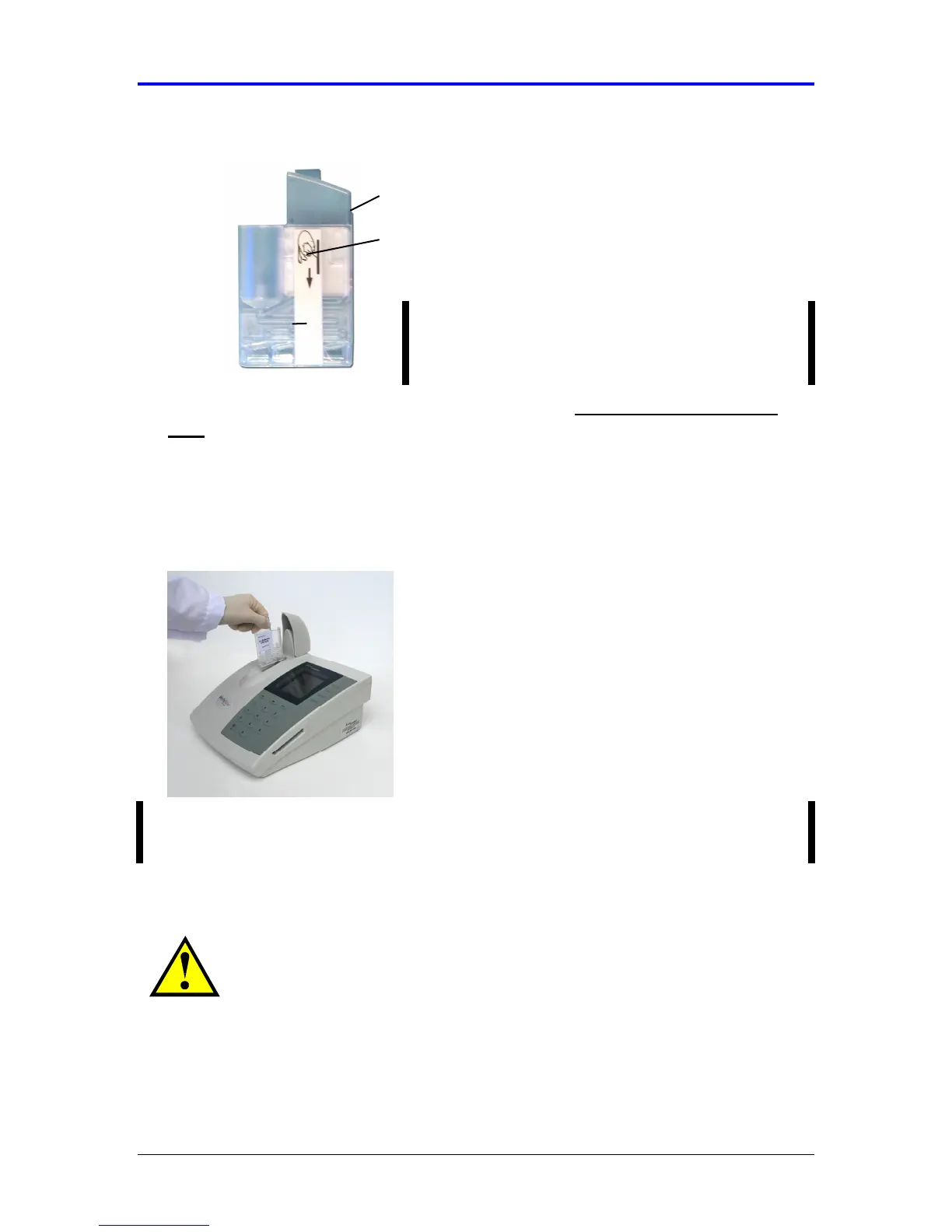
Figure 9-1 Cleaning Device
2.
Grasp the cleaning device using the finger grip and remove the clear plastic
tape. Discard the tape.
3.
Open the cover and insert the cleaning device into the assay device port until it
clicks (Figure 9-2). The adhesive strip removes dust and debris on the internal
pneumatic port cleaning strip.
Figure 9-2 Insert Cleaning Device
NOTE: The instrument does not need to be in any particular mode to use the
cleaning device.
4.
Leave the cleaning device in the assay port for five seconds, but never longer
than ten seconds.
CAUTION: Leaving the cleaning device in the assay port for an
extended period of time can damage the instrument from adhesive
adhering to the internal pneumatic port.
NOTE: Accumetrics recommends you have at
least 3 cleaning devices on hand for routine use.
Refer to the Appendix for ordering information.
Tape
Finger Grip



 To Next Page