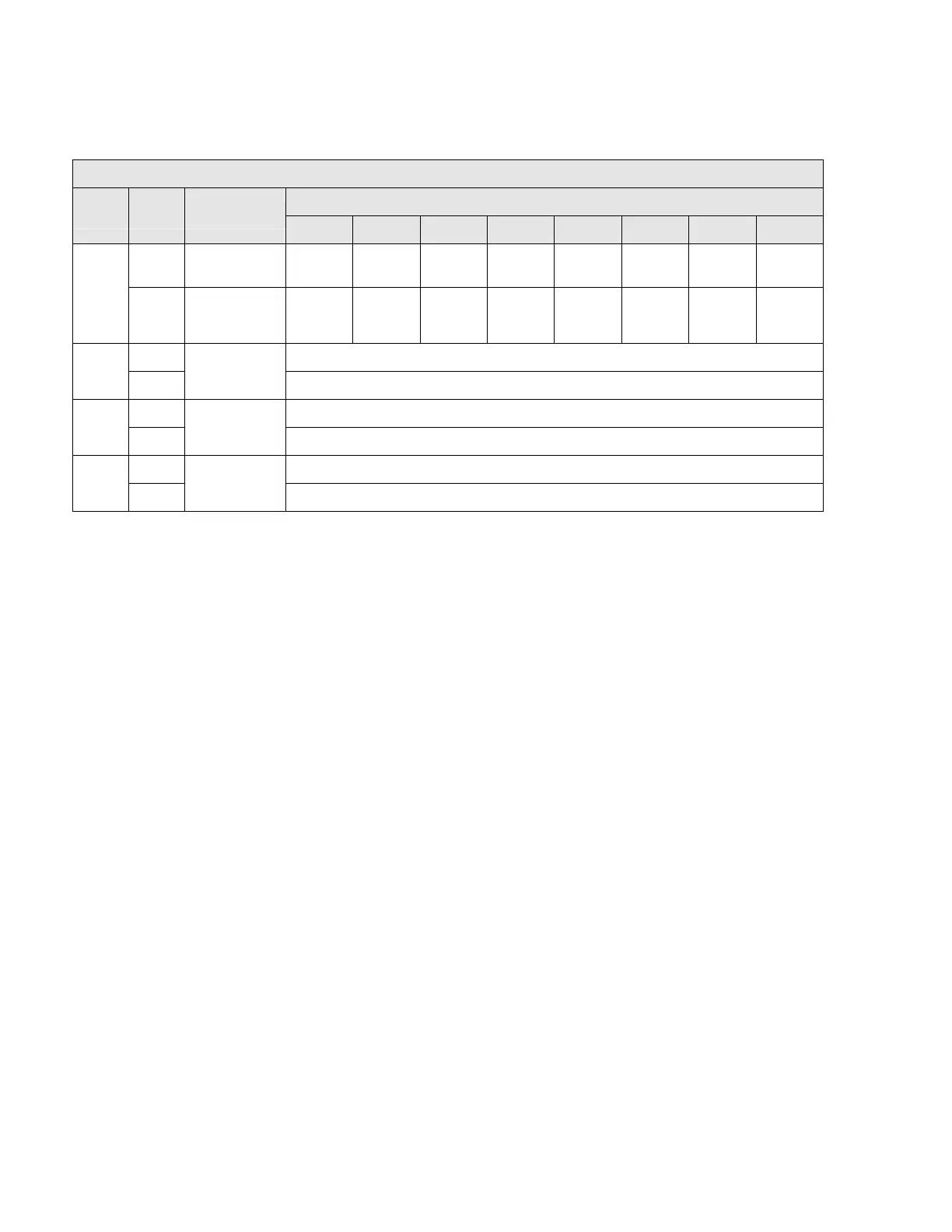
Input Array data format – overview:
Input Array – data sent from MICRO 4000 NET to host
Bit
Word Byte Function
7 6 5 4 3 2 1 0
Actuator
Status
Servo
Center
0 In Limit Out Limit x No Fault x x x
0
Input C
or
Centerline
Servo
Center
Operating
Mode Status
Manual In Out Input A Input B Auto 1
2 Lower byte 0-255 [0-FFh]
Actuator
Position
1
3 Upper byte 0-255 [0-FFh]
4 Lower byte 0-255 [0-FFh]
Edge A
Position
2
5 Upper byte 0-255 [0-FFh]
6 Lower byte 0-255 [0-FFh]
Edge B
Position
3
7 Upper byte 0-255 [0-FFh]
Note: Uppe
r and lower bytes of all Input Array words can be swapped by setting controller
parameter 78 to 1. Refer to page 17 for more information about setting controller parameters.
Fieldbus Interface
110
Artisan Technology Group - Quality Instrumentation ... Guaranteed | (888) 88-SOURCE | www.artisantg.com



 To Next Page