Hardware Specifications and Configurations 1-11
Notebook Tour 0
This section provides an overview of the features and functions of the notebook.
Open Front View 0
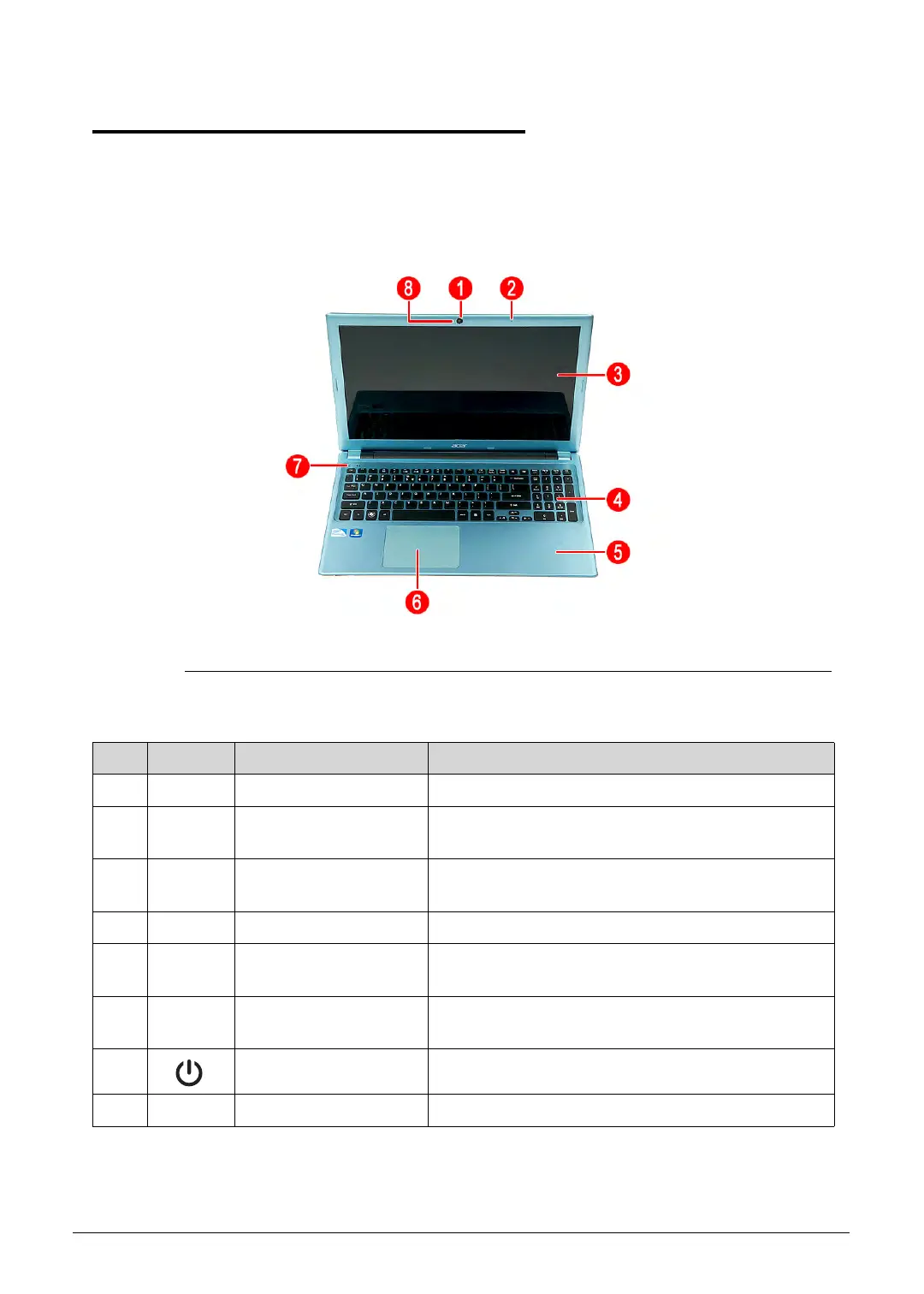
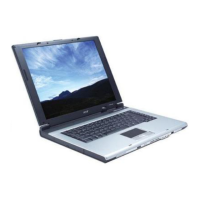
Figure 1-1. Open Front View
Table 1-1. Open Front View
No. Icon Item Description
1 Integrated webcam Web camera for video communication.
2 Integrated microphone Internal microphone for sound recording and video
communication.
3 Display screen Also called liquid crystal display (LCD), displays
computer output.
4 Keyboard For entering data into your computer.
5 Palmrest Comfortable support area for your hands when you
use the computer.
6 Touchpad Touch-sensitive pointing device which functions like
a computer mouse.
7 Power button Turns the computer on and off.
8 Integrated LED light Light for Webcam device
http://mycomp.su/ - Maintenance and Service Guide,Service Manual,Motherboard Schematics for Laptop/notebook
РЕМОНТ НОУТБУКОВ. Запчасти и комплектующие для ноутбука. Схемы, сервис мануалы, инструкции по разборке ноутбука.
ВОССТАНОВЛЕНИЕ ДАННЫХ. г. Санкт-Петербург, Тел.(812)951-37-99, Тел.8-921-951-37-99,ICQ:573812745, service@it-lux.ru



 To Next Page