2-10 System Utilities
Changing a Password 0
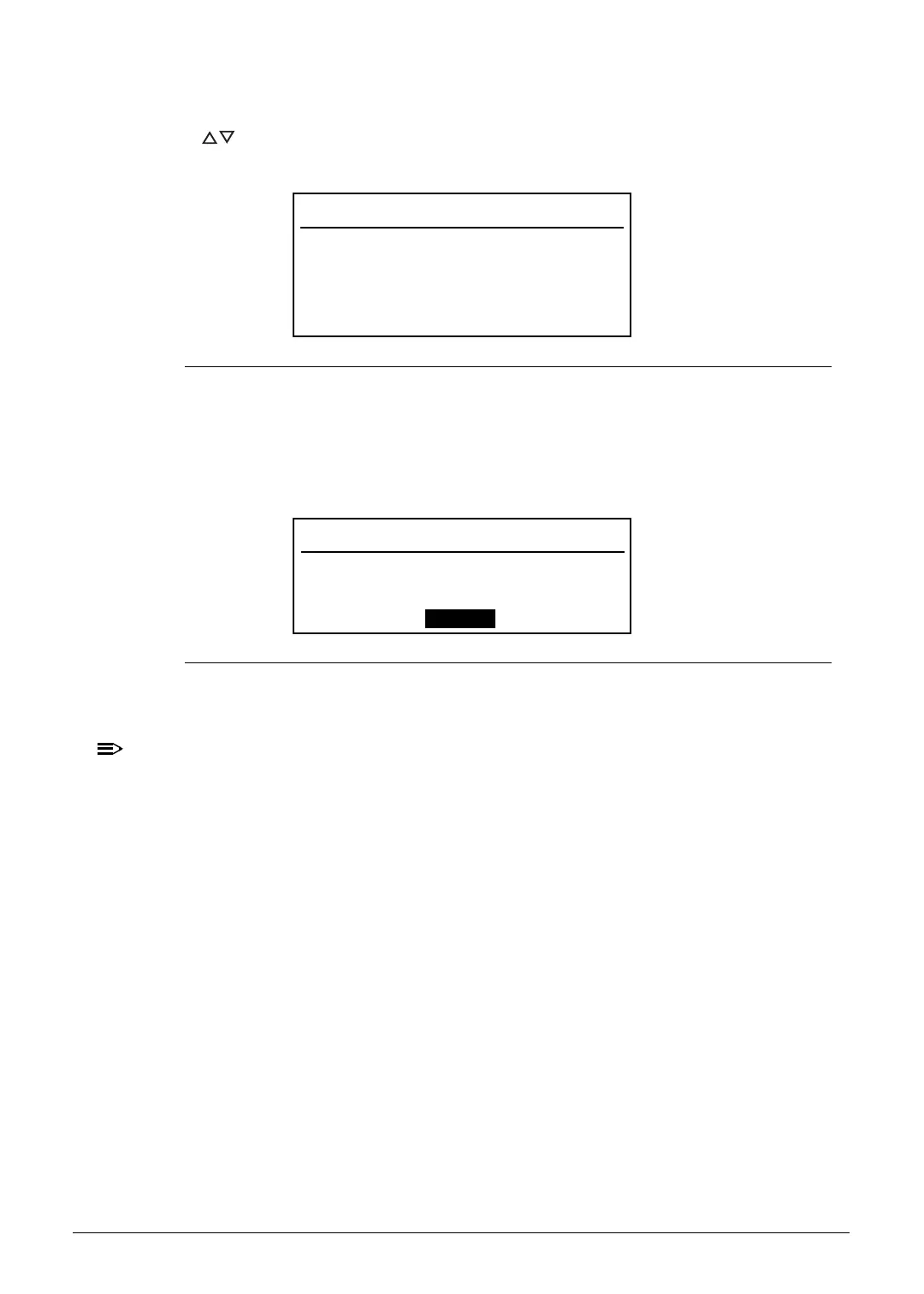
1. Press to highlight a Set _______ Password parameter and press Enter. The Set
_______ Password dialog box appears.
Figure 2-6. Set Supervisor Password
2. Type the current password in the Enter Current Password field and press Enter.
3. Type the new password in the Enter New Password field.
4. Retype the password in the Confirm New Password field.
Figure 2-7. Setup Notice
5. Press Enter. Computer sets Supervisor Password parameter to Set.
Users can choose to enable the Password on Boot parameter.
6. Press F10 to save changes and exit from the BIOS Setup Utility.
Set Supervisor Password
Enter Current Password [ ]
Enter New Password [ ]
Confirm New Password [ ]
Setup Notice
Changes have been saved.
[Continue]
http://mycomp.su/ - Maintenance and Service Guide,Service Manual,Motherboard Schematics for Laptop/notebook
РЕМОНТ НОУТБУКОВ. Запчасти и комплектующие для ноутбука. Схемы, сервис мануалы, инструкции по разборке ноутбука.
ВОССТАНОВЛЕНИЕ ДАННЫХ. г. Санкт-Петербург, Тел.(812)951-37-99, Тел.8-921-951-37-99,ICQ:573812745, service@it-lux.ru



 To Next Page