2-6 System Utilities
Main 0
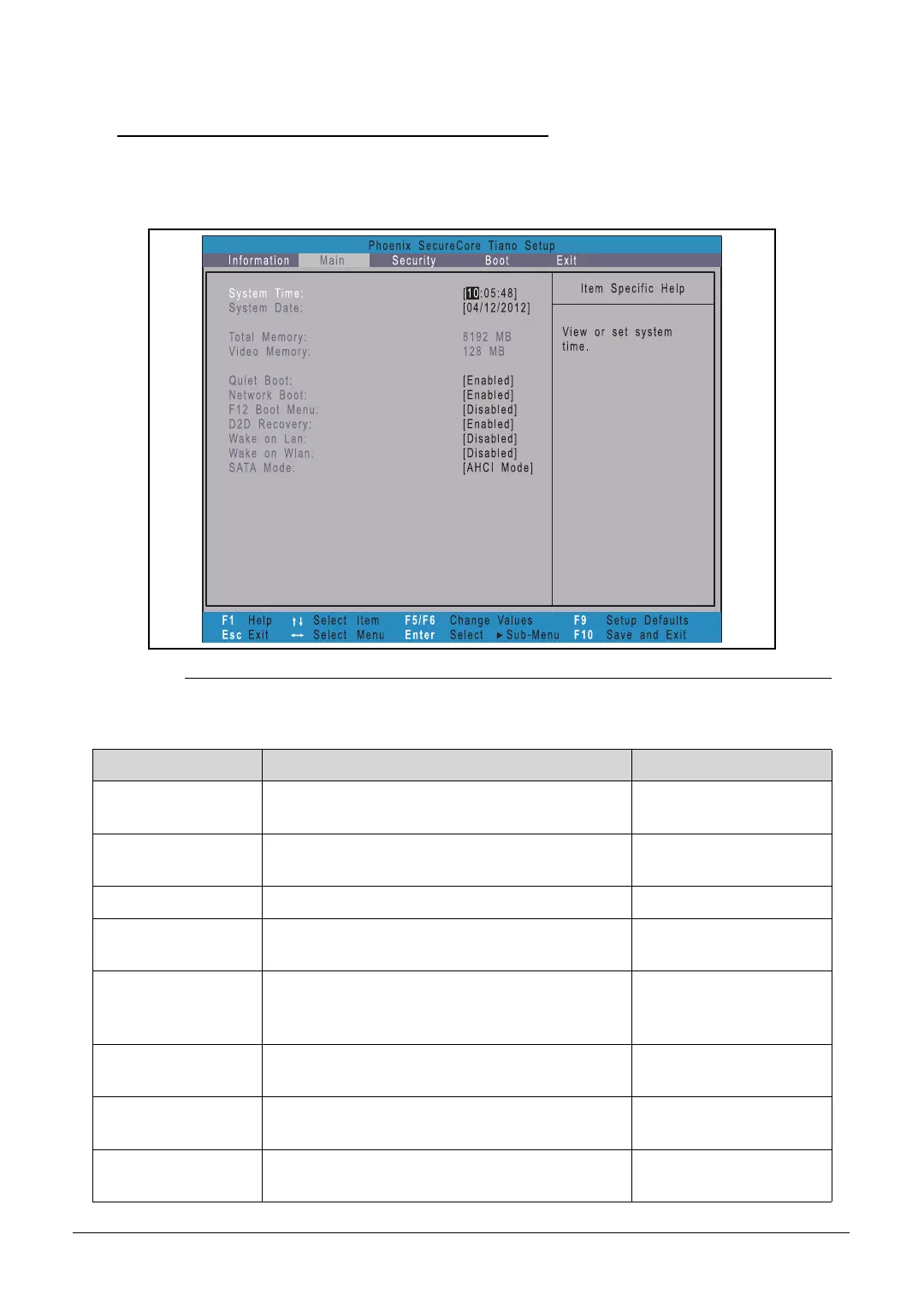
Use this tab to set the system time and date, enable or disable boot options, and enable or
disable the D2D recovery feature.
Figure 2-2. BIOS Main
Table 2-2. BIOS Main
Parameter Description Format/Option
System Time System time expressed in 24-hour format Format: HH:MM:SS
(hour:minute:second)
System Date System date Format MM/DD/YYYY
(month/day/year)
Total Memory Total system memory available –
Video Memory System memory allocated for graphics
processing
–
Quiet Boot Show the original equipment manufacturer
(OEM) screen during system boot instead of
the typical POST screen
Option: Enabled or
Disabled
Network Boot Option to boot system from LAN Option: Enabled or
Disabled
F12 Boot Menu Option to enter the Boot menu during POST Option: Enabled or
Disabled
D2D Recovery Option to use the D2D Recovery function Option: Enabled or
Disabled
http://mycomp.su/ - Maintenance and Service Guide,Service Manual,Motherboard Schematics for Laptop/notebook
РЕМОНТ НОУТБУКОВ. Запчасти и комплектующие для ноутбука. Схемы, сервис мануалы, инструкции по разборке ноутбука.
ВОССТАНОВЛЕНИЕ ДАННЫХ. г. Санкт-Петербург, Тел.(812)951-37-99, Тел.8-921-951-37-99,ICQ:573812745, service@it-lux.ru



 To Next Page