WORKING WITH THE CONTROL UNIT 5-23
SB1391 Hardware and Setup Guide - Document revision no. 1.14
5.2.7. Step 1 - Amplifier
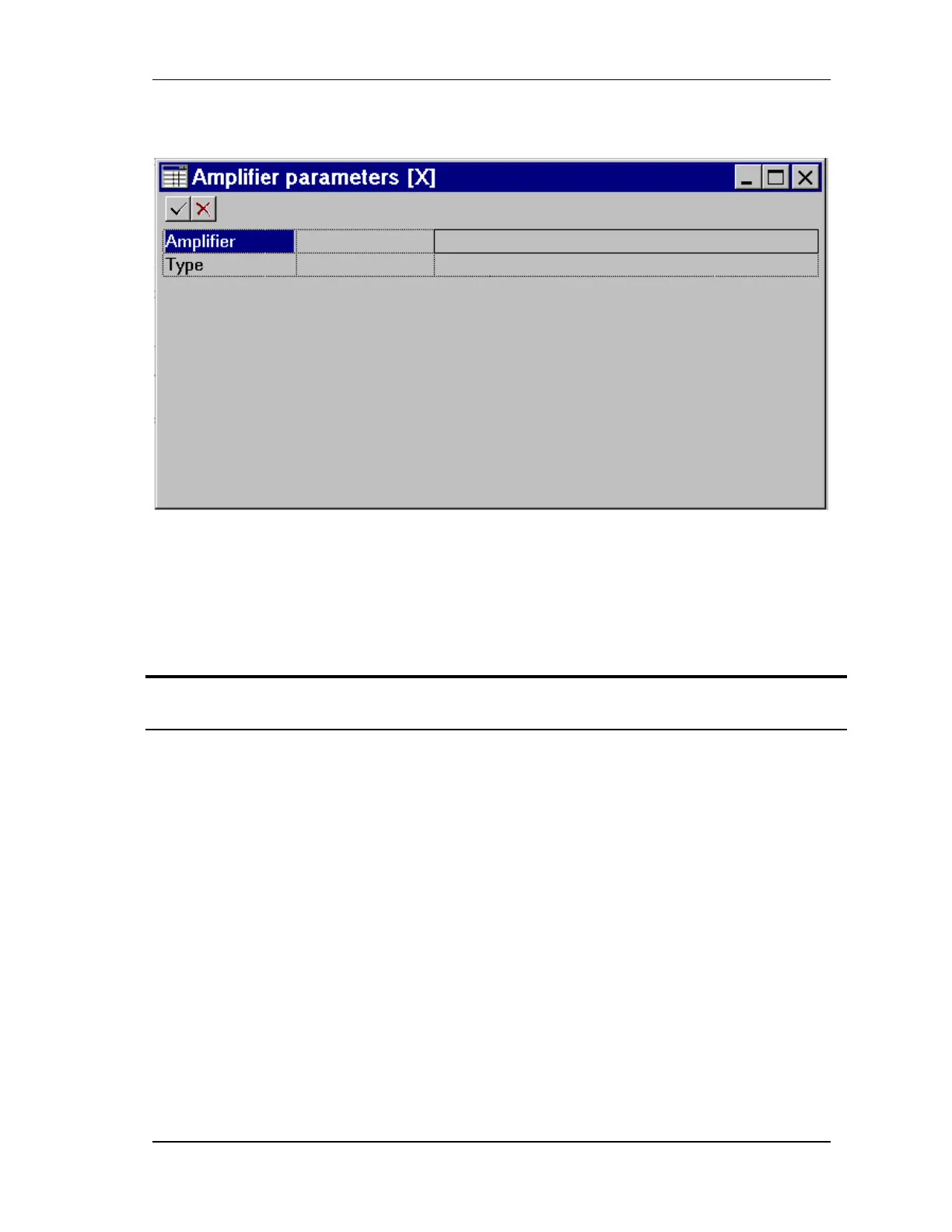
FIGURE 5-21 Amplifier parameters step
The first adjustment step, defining the amplifier parameters, is similar to adding an amplifier to
the database, which was explained in Section 5.2.4, "Adding an Amplifier to the Adjuster
Database". If the unit includes an ACS-Tech80 amplifier, that amplifier is already be in the
database and the parameters should be left unchanged.
Action Effect of action
1. Select 1. Amplifier parameters
and click Step.
The Amplifier parameters dialog box opens FIGURE
5-21.
2. Open the Amplifier list by either
clicking on the list cell (FIGURE
5-22) or, with the insertion point
on Amplifier, by pressing
ENTER.
The list is based on the contents of the Adjuster
database. If the amplifier for the current application is
not in the list, close the Amplifier parameters dialog
box and add the amplifier to the database, as described
in Section 5.2.4, "Adding an Amplifier to the Adjuster
Database".



 To Next Page