5-24 WORKING WITH THE CONTROL UNIT
SB1391 Hardware and Setup Guide - Document revision no. 1.14
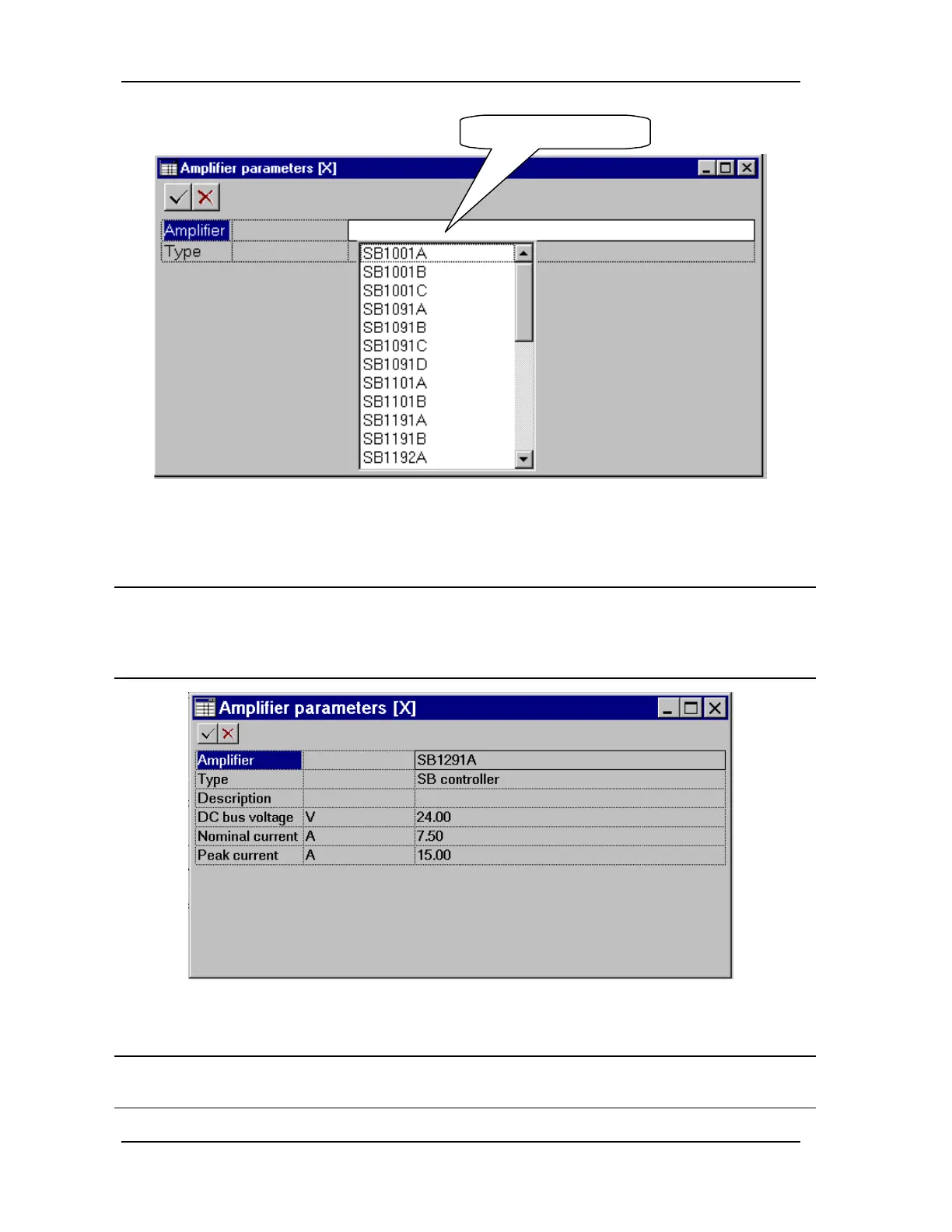
Click here to open list.
FIGURE 5-22 Selecting the amplifier type
Action Effect of action
3. Select an amplifier from the list by
clicking on it once and pressing
ENTER or by double clicking on
it.
The parameters for the selected amplifier are displayed,
as shown in FIGURE 5-23.
FIGURE 5-23 Amplifier parameters
Action Effect of action
4. Edit the amplifier information, as
necessary.
The fields are explained in Section 5.2.4, "Adding an
Amplifier to the Adjuster Database".



 To Next Page