Product Manual
11
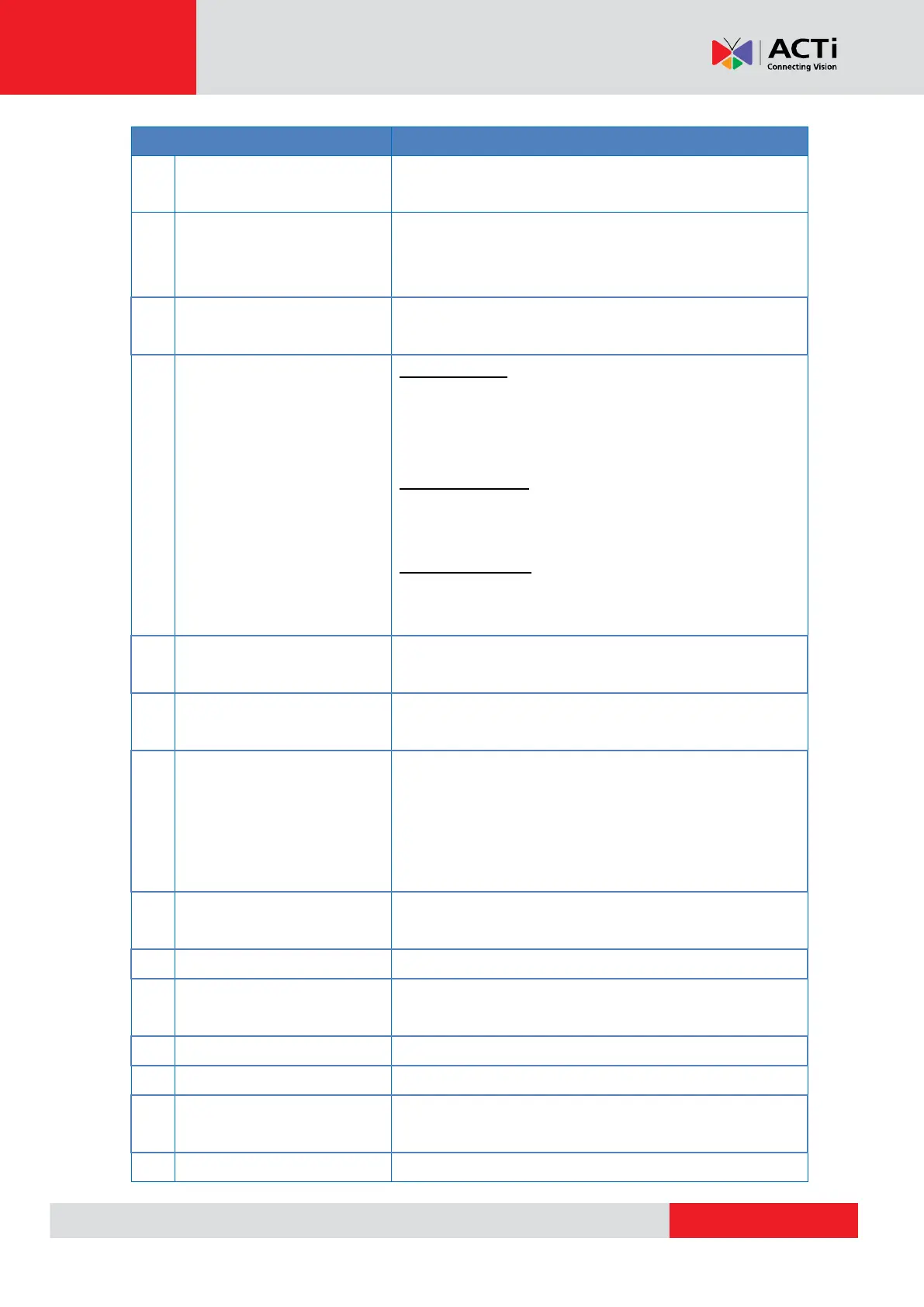
Displays the video and on-screen display (OSD) menu
options.
Press the corresponding arrow to move through the menu
items on screen or perform PTZ functions when viewing a
PTZ camera.
Press to exit the current page without saving or return to
the previous page.
Power / Snapshot / Enter
Key
Power Function
Press and hold this key for at least 3 seconds to turn on
the device. Make sure the main power switch is switched
on.
Snapshot Function
When viewing a video, press this key to capture the snap
shot of the current video.
Enter Key Function
While navigating a menu, press this key to enter a
submenu or select an option.
Connects to a serial device, such as a PTZ scanner, etc.,
using RS-485 protocol.
Connects to the bundled power adapter to charge the
device battery.
Ethernet Cable Tester Port
Use for Ethernet cable testing. Connect one end of the
network cable to this port and the other end to the bundled
Ethernet Terminal Block to detect wiring types
(Straight/Cross) or errors (Open, Short, Miswired) from the
displayed wire map on the LCD screen.
Battery Charging Indicator
LED
Lights up while the battery is charging.
Slide the switch to turn the main power on or off.
Connects to an audio output device, such as a headset,
etc.
Connects to an audio input device, such as a microphone.
Use to tap on the LCD screen.
Connects to an analog input device, such as a camera or
encoder using BNC connection.
Houses the device battery.



 To Next Page