251
uuAudio System Basic OperationuTrue Touchpad Operation
Continued
■
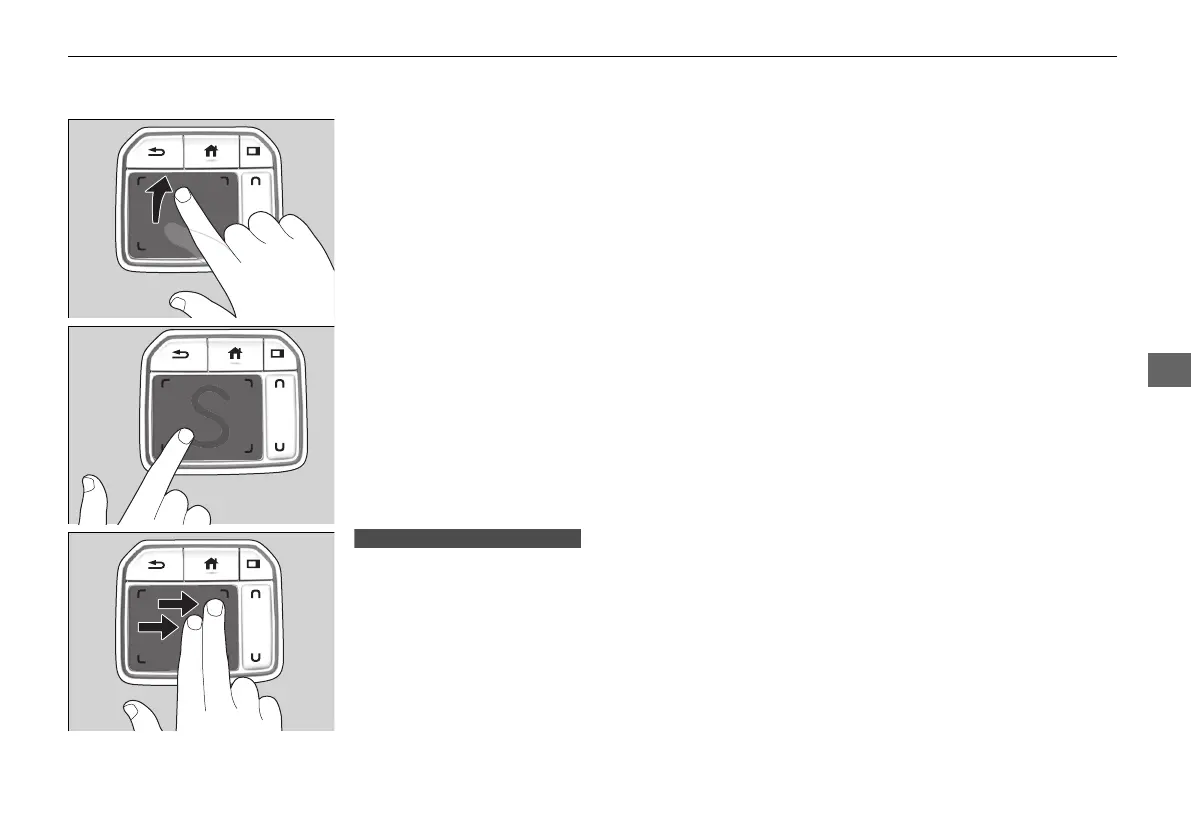
Flick
Flick (or drag) your finger up/down or left/
right to scroll in lists or change pages
throughout the system.
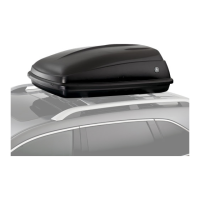
■
Hand-writing a character
Move your finger quickly to trace a character
on the true touchpad.
■
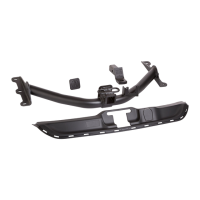
Swipe with two fingers
Swipe (or drag) two fingers across the screen
to move the map.
Models with navigation system
21 ACURA RDX-31TJB6210.book 251 ページ 2020年6月16日 火曜日 午後12時39分



 To Next Page