269
uuAudio System Basic OperationuSystem Updates
Continued
■
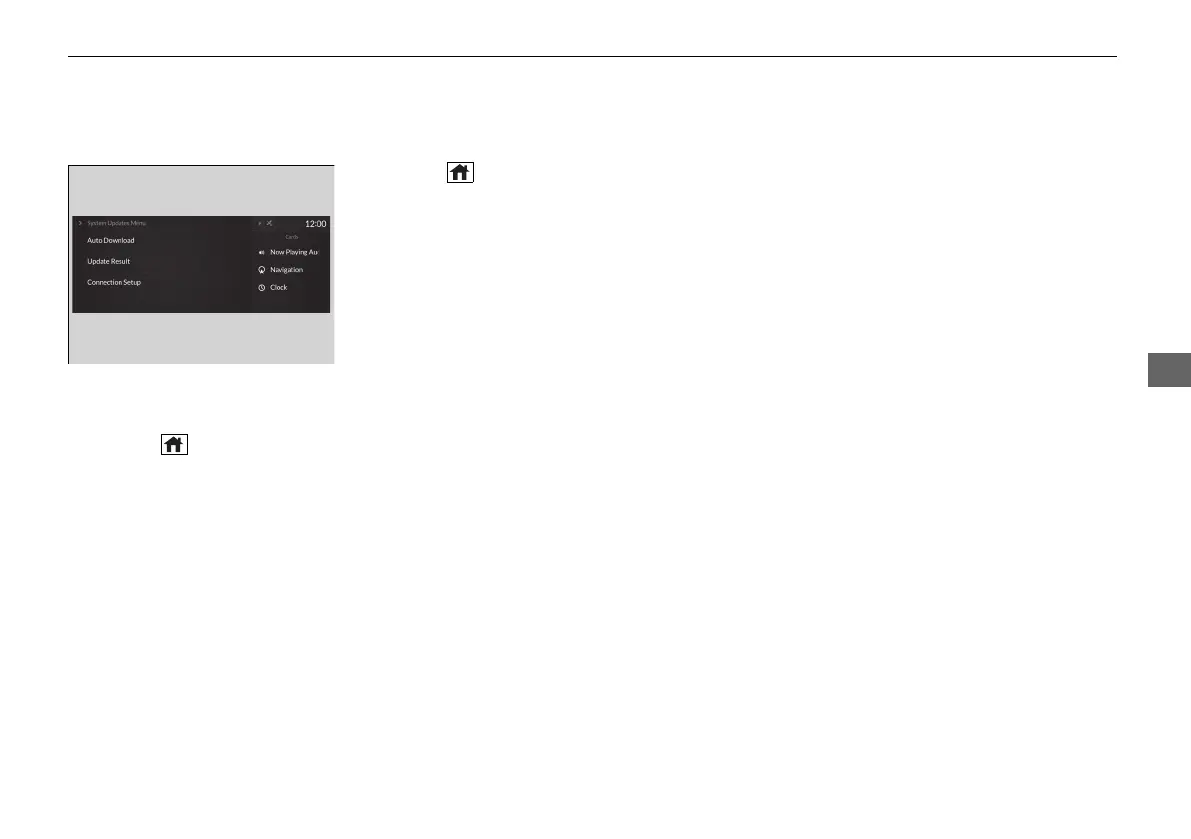
Automatic download settings
Use the following procedure to change to the automatic download setting.
1. Press the (home) button.
2. Select System Updates.
3. Select MENU.
4. Select Auto Download.
5. Select the access point, then Allow.
■
View a update status
Use the following procedure to confirm the update status.
1. Press the (home) button.
2. Select System Updates.
3. Select MENU.
4. Select Update Result.
21 ACURA RDX-31TJB6210.book 269 ページ 2020年6月16日 火曜日 午後12時39分



 To Next Page