uuBluetooth® HandsFreeLink®uHFL Menus
374
■
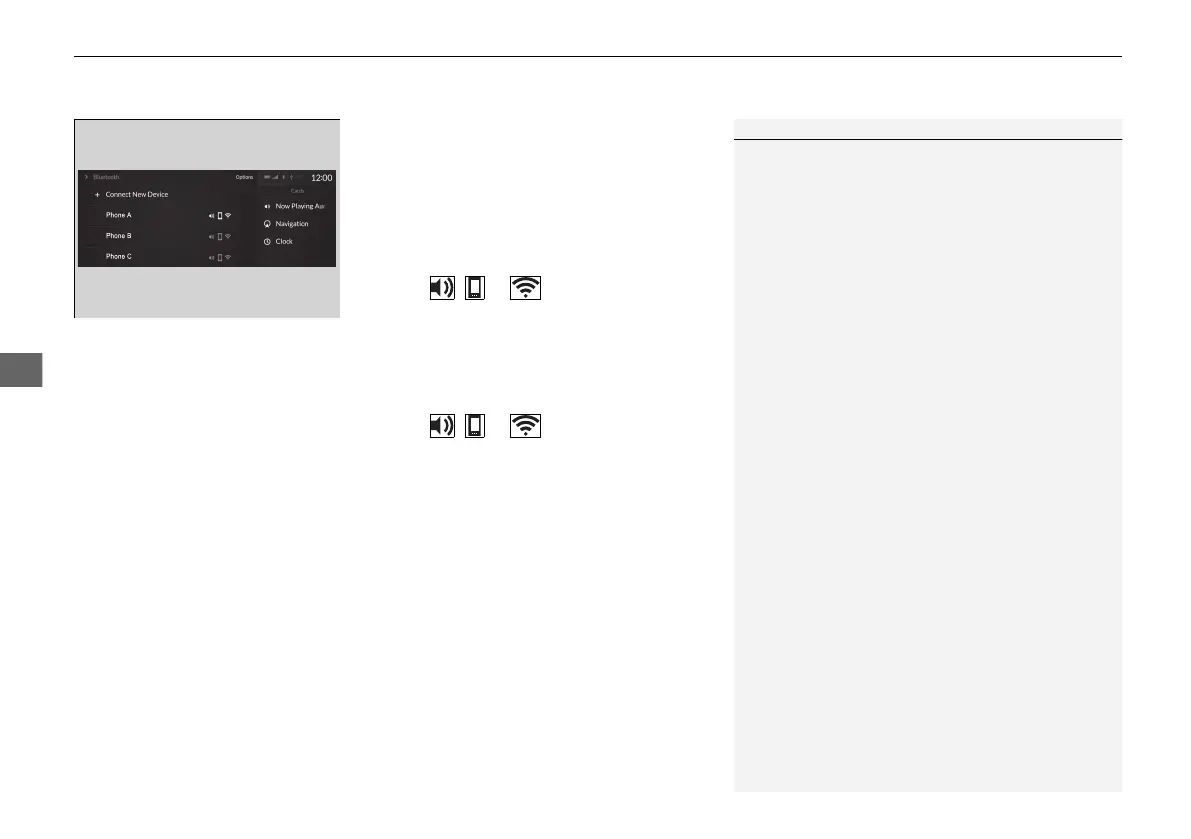
To change the currently paired phone
1. Go to the Phone Menu screen.
2 Phone Menu screen P. 371
2. Select Change Connected Phone.
When connecting to other phone:
3. Select a phone to connect.
4. Select , or .
5. Select Connect.
When changing the currently paired phone
setting:
3. Select a currently paired phone.
4. Select , or .
5. Select Apply Changes.
1To change the currently paired phone
If there is an active connection to Android Auto, this
setting is unavailable.
If no other phones are found or paired when trying to
switch to another phone, HFL will continue to
connect a original phone.
To pair other phones, select + Connect New Device
from the Bluetooth screen.
21 ACURA RDX-31TJB6210.book 374 ページ 2020年6月16日 火曜日 午後12時39分


 To Next Page