uuAudio System Basic OperationuPlaying SiriusXM® Radio
284
■
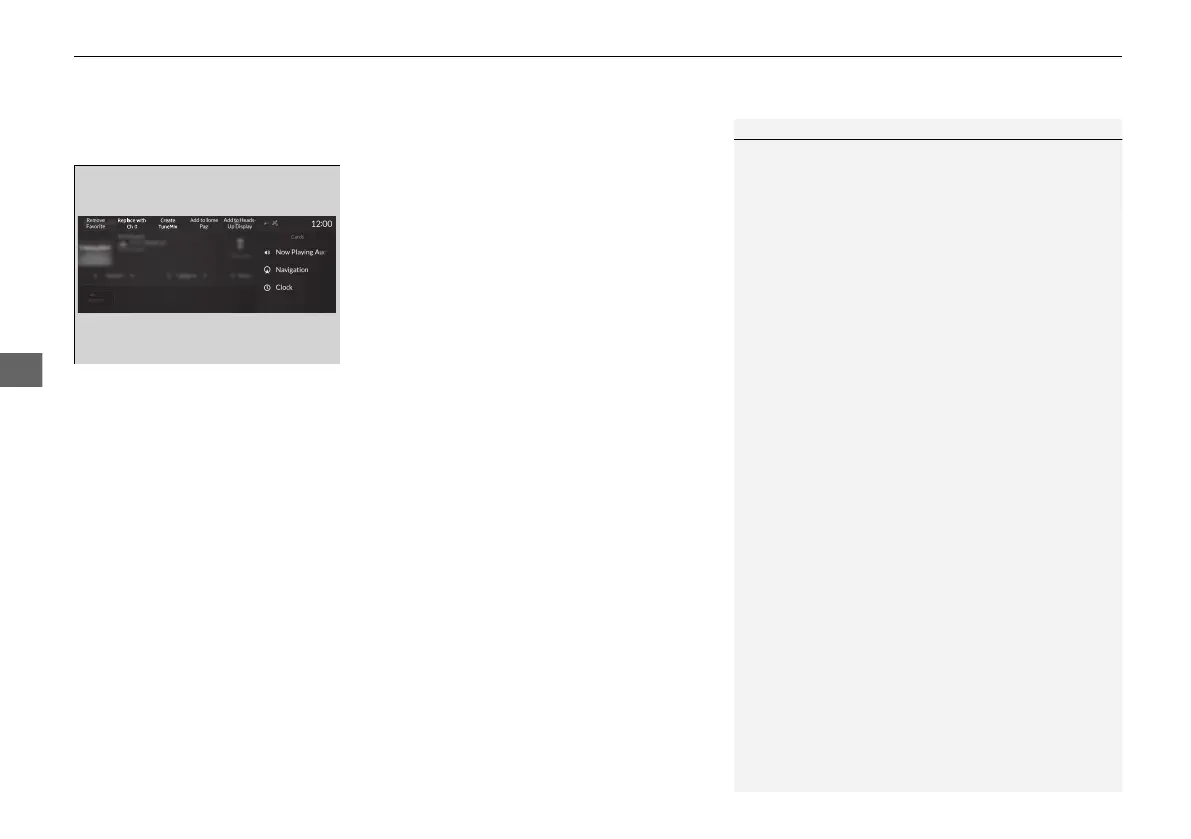
Favorite multi-channel (for music channels only)
You can store up to 20 of your preferred music channels per favorite channel.
To create a favorite multi-channel:
1. Tune a channel.
2. Select and hold a number that you want to
use as a favorite multi-channel.
3. Select Create TuneMix.
u The number you have selected will be
registered as a favorite multi-channel
number, and the channel that you have
tuned will be registered with this
number.
To add a channel to a favorite multi-channel:
1. Tune a channel.
2. Select and hold a favorite multi-channel
number.
3. Select Edit TuneMix.
4. Select Add Channel.
u Current channel is added to the
TuneMix.
u A message appears if the current channel
cannot be added to the TuneMix.
1Favorite multi-channel (for music channels only)
When you want to replace the channel, select
Replace with Ch (number).
If you want to delete a channel, select Edit TuneMix,
and then select the channel you want to delete.
21 ACURA RDX-31TJB6210.book 284 ページ 2020年6月16日 火曜日 午後12時39分



 To Next Page