Continued
379
uuBluetooth® HandsFreeLink® uHFL Menus
■
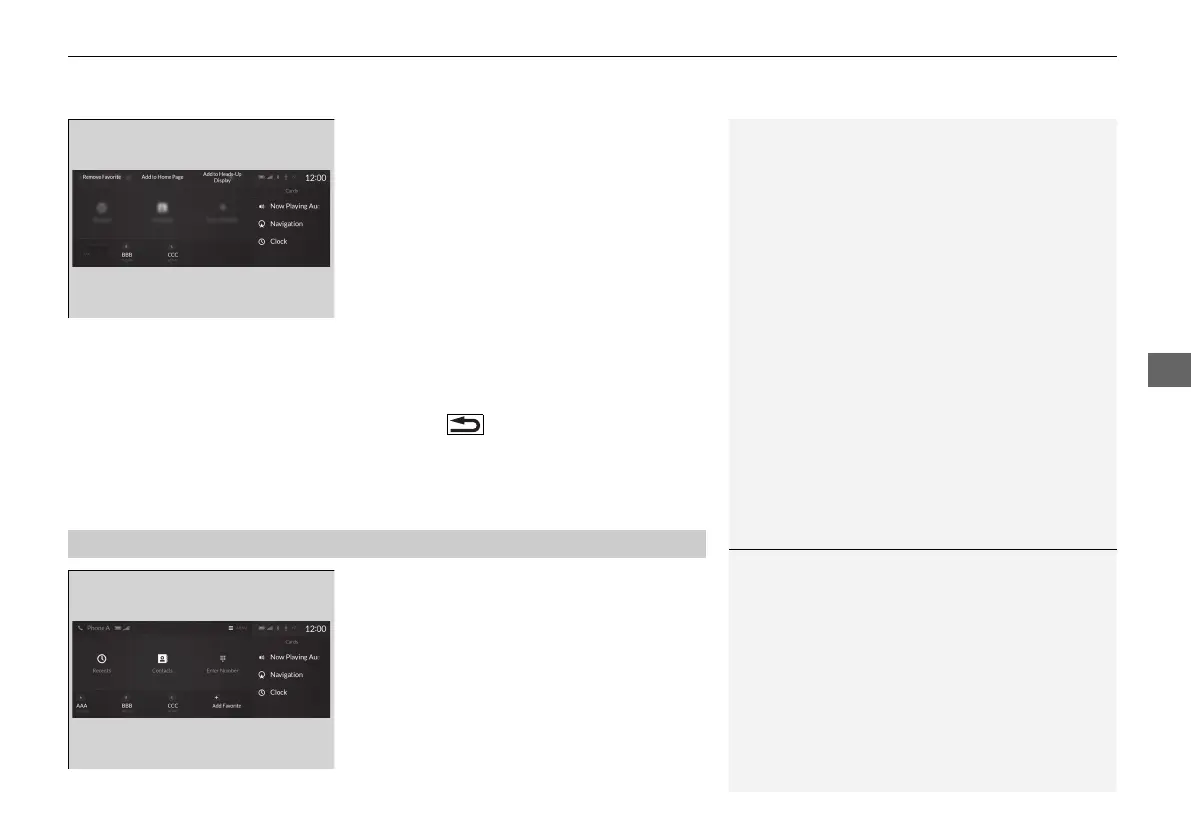
To edit a Favorite Contact
1. Go to the phone screen.
2 Phone screen P. 370
2. Select and hold a desired favorite contact.
3. Select the following options:
• Remove Favorite: Delete the favorite
contact.
• Add to Home Page: Add a favorite
contact shortcut icon to the home
screen.
• Add to Heads-Up Display
*
: Add a
favorite contact shortcut icon to the
head-up display menu.
4. Press the (back) button on the true
touchpad A.
u The screen will return to the previous
screen.
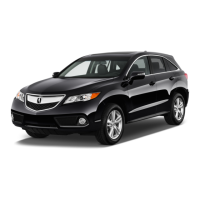
You can make calls by inputting any phone
number, or by using the imported
phonebook, call history, or Favorite Contact
entries.
■
Making a Call
1Making a Call
Once a call is connected, you can hear the voice of
the person you are calling through the audio
speakers.
While there is an active connection with Apple
CarPlay, phone calls cannot be made with
HandsFreeLink® and are only made from Apple
CarPlay.
* Not available on all models
21 ACURA RDX-31TJB6210.book 379 ページ 2020年6月16日 火曜日 午後12時39分



 To Next Page