Continued
259
uuAudio System Basic OperationuAudio/Information Screen
■
To add shortcut icons to the home screen and the head-up display
*
Shortcut icons for items stored in Favorite can be added to the home screen and the
head-up display.
1. Select a favorite item, then press and hold
true touchpad A.
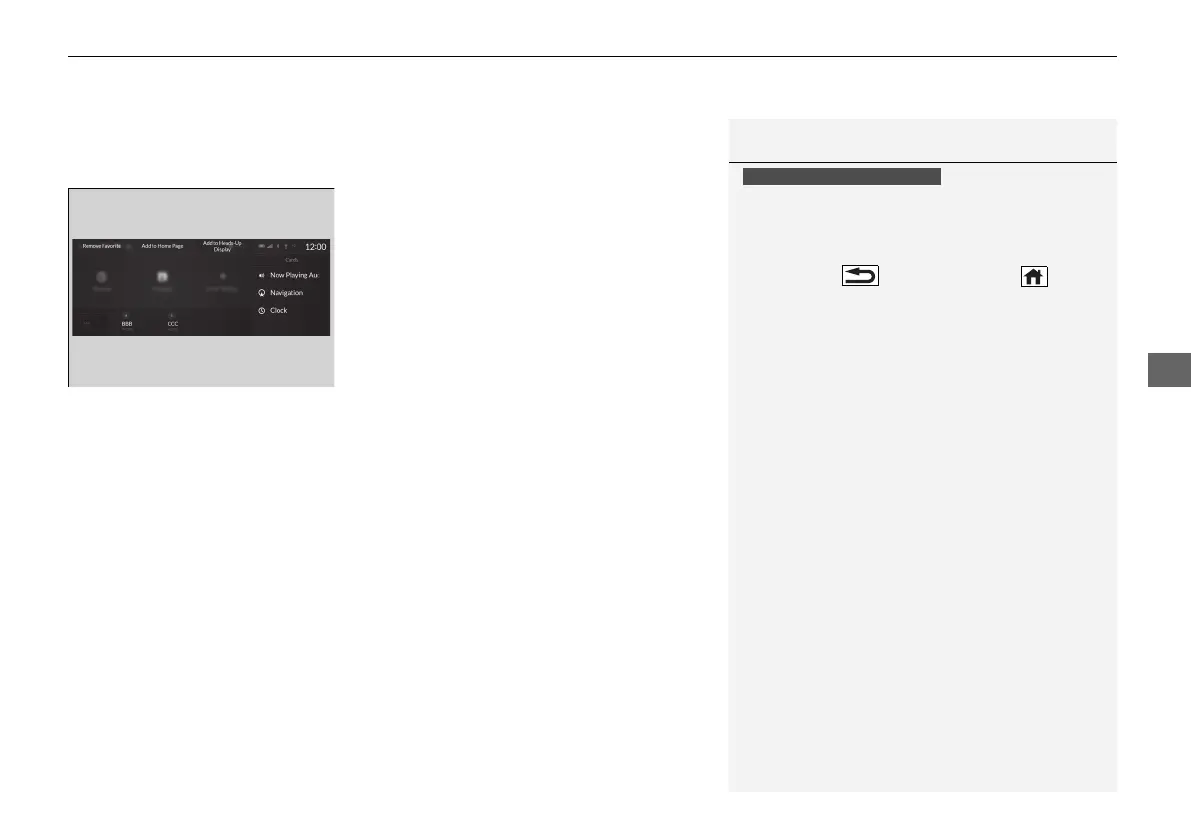
u A pop-up menu will appear on the
screen.
2. Select Add to Home Page or Add to
Heads-Up Display
*
.
u A short cut icon will be added to the
home screen or the head-up display.
1To add shortcut icons to the home screen and the head-up
display
*
You can add an icon to the head-up display directly
from the home screen. Select an icon on the home
screen, then press and hold the true touchpad A.
After that, select Add to Heads-Up Display, and
then press the (back) button or the (home)
button to confirm the change.
Note that icons for Messages, Settings, and
System Update cannot be added to the head-up
display.
Models with head-up display
* Not available on all models
21 ACURA RDX-31TJB6210.book 259 ページ 2020年6月16日 火曜日 午後12時39分



 To Next Page