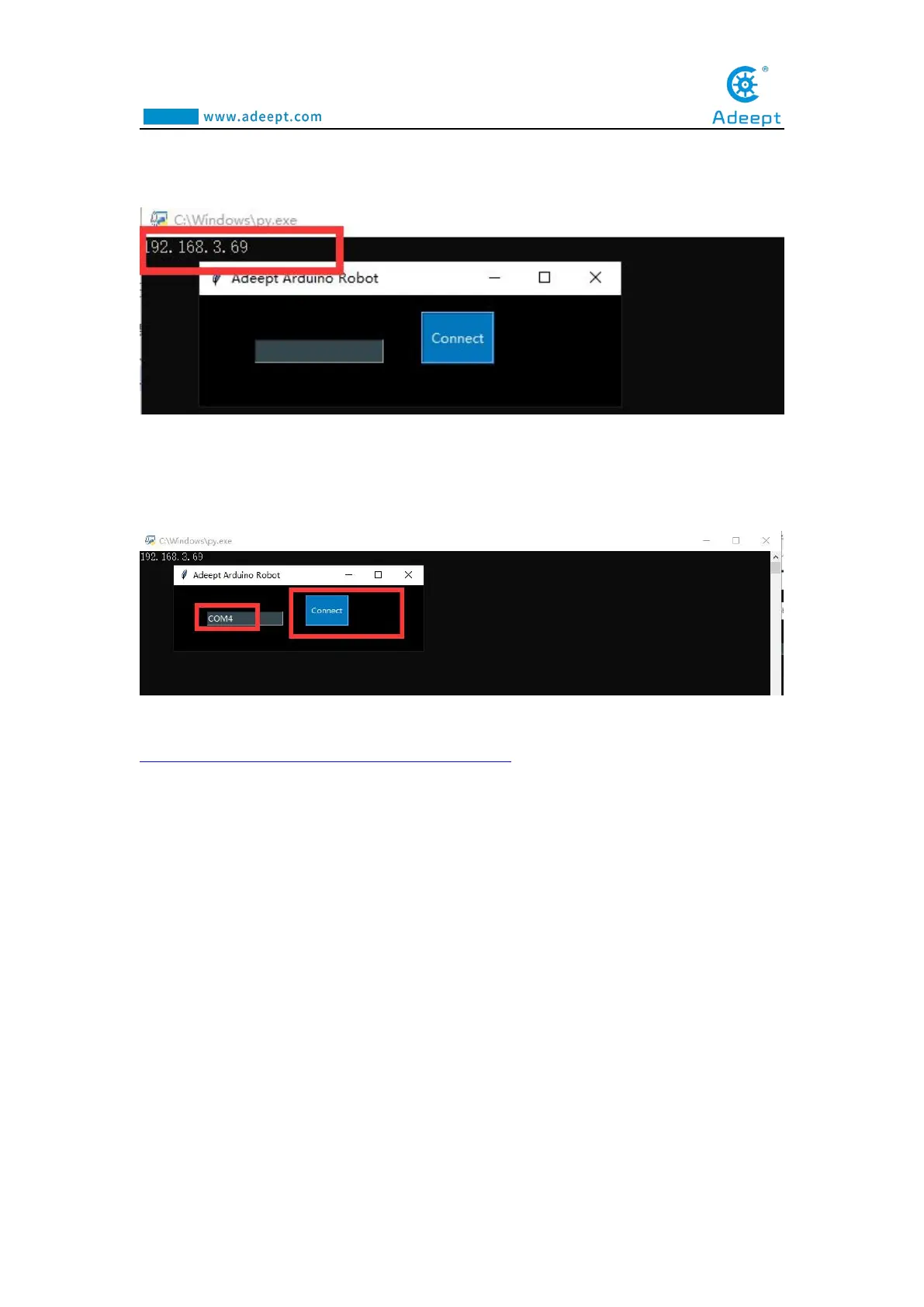
(16) After opening the file, the following interface will appear. We need to record
this IP address, which will be used later: 192.168.3.69
(17) In the input box, enter the port we set in step (11).Everyone's port is
different.The port of my Adeept Arm Drive Board development board is: COM4.
After entering, click the Connect button.
(18)Enter the URL of the GwBlock graphical editor in the browser:
http://www.adeept.com/gwblock/?hd_mo=uno_r3
After successfully entering the website, the interface is as follows:



 To Next Page