button to the right of English. Currently, we only support English and Simplified
Chinese.
【 6 】 is the icon of the Arduino UNO development board, indicating that it is
currently in the Arduino programming mode.
【
7
】
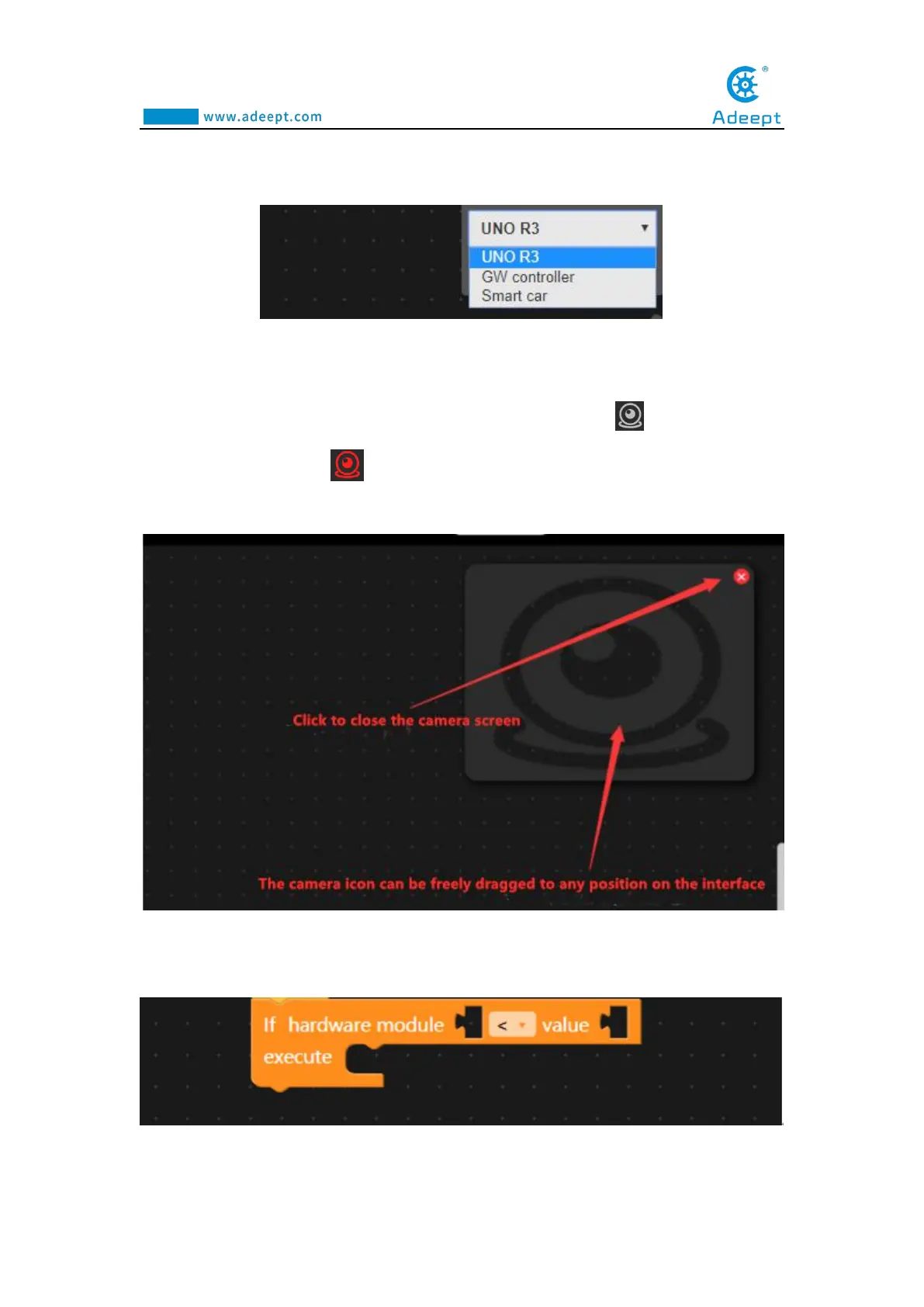
is the camera button, which is gray in the initial off state: When you click it,
the camera will turn red: ,indicating that the camera is on. At this time, a screen
window will appear in the editing area on the right. As shown below:
【8】is the code instruction module toolbar.You can select the code instruction block
you need here.



 To Next Page