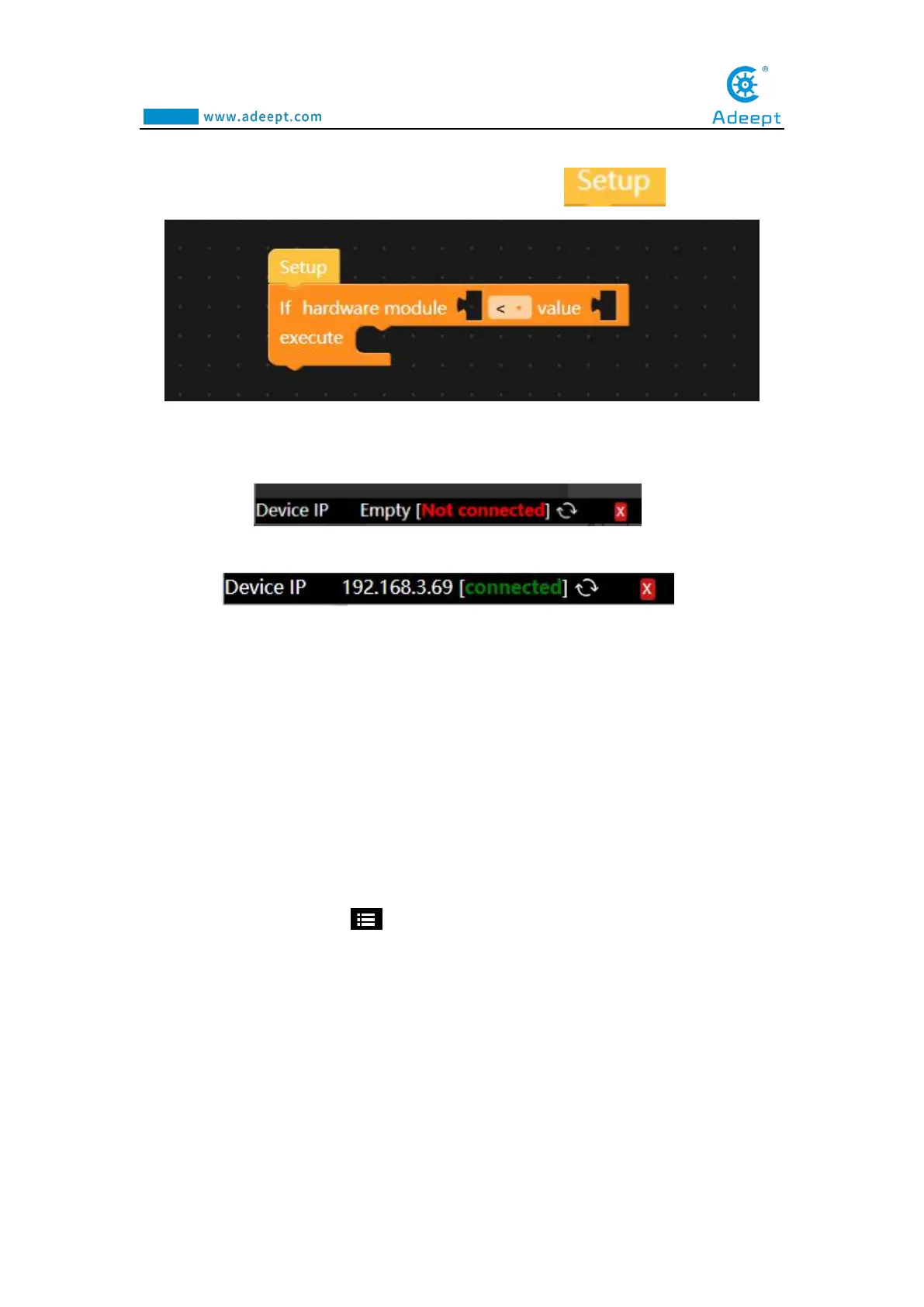
【9】is the editing area (code area or work area), where we edit the code instruction
block. Each code instruction block must be placed below .
【10】 is the connection status of the device.There are two states:
(1) The following is displayed when the device is not connected:
(2) After the device is successfully connected, the display is as follows:
【11】is a code trash, you can drag and drop the code instruction block to delete it.
8.5 Controlling the movement of the robotic arm with
GwBlock graphical programming
8.5.1 Run the program for this lesson
1. After successfully connecting to the GwBlock graphical editor, you need to
click the drop-down button in the upper right corner, as shown below:



 To Next Page