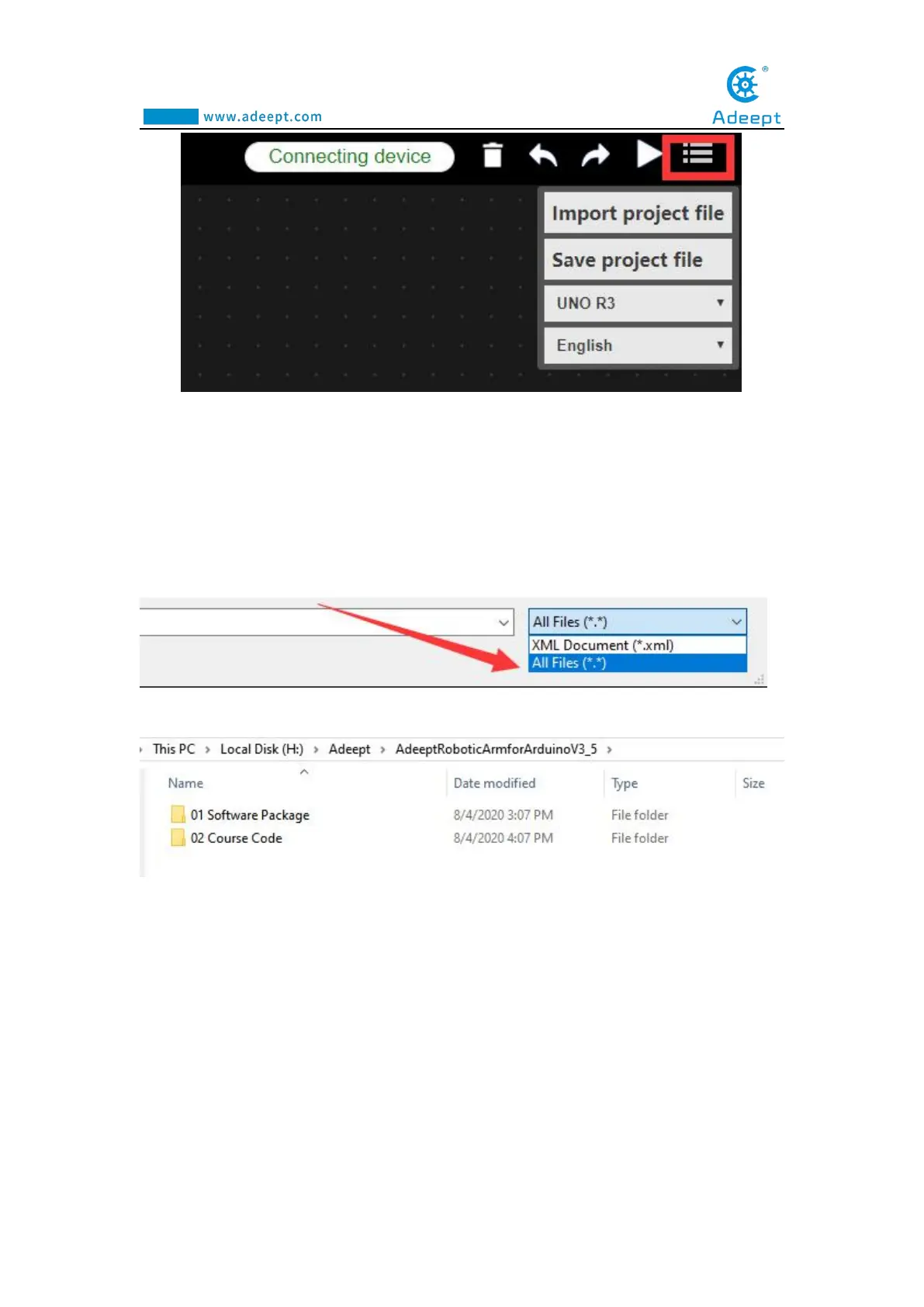
2. Then click Import project file to import the external project file. After opening
it, a blank page will appear. You need to make a modification in the lower right corner
and select All Files, as shown below:
3. Then the folder will be displayed. As shown below:
4. Find the user folder AdeeptRoboticArmforArduinoV3_5→02 Course
Code→Lesson 8 block of Adeept, as shown below:



 To Next Page