Version 15.0 AF-5000 Series Pilot Guide 103
Connecting AF-5000 to ForeFlight
AF-5000 and ForeFlight customers can send and receive flight plans between AF-5000 and their
ForeFlight Mobile app on Apple iPad, iPhone, and iPod Touch devices running the iOS operating
system. The AF-5000 will also transmit its GPS position and ADAHRS information to ForeFlight for use
within the ForeFlight app. This feature requires one Wi-Fi Adapter in the aircraft. If the Wi-Fi module is
installed in the same EFIS that is wired to an ADS-B receiver it will also send ADS-B weather and
traffic data to ForeFlight.
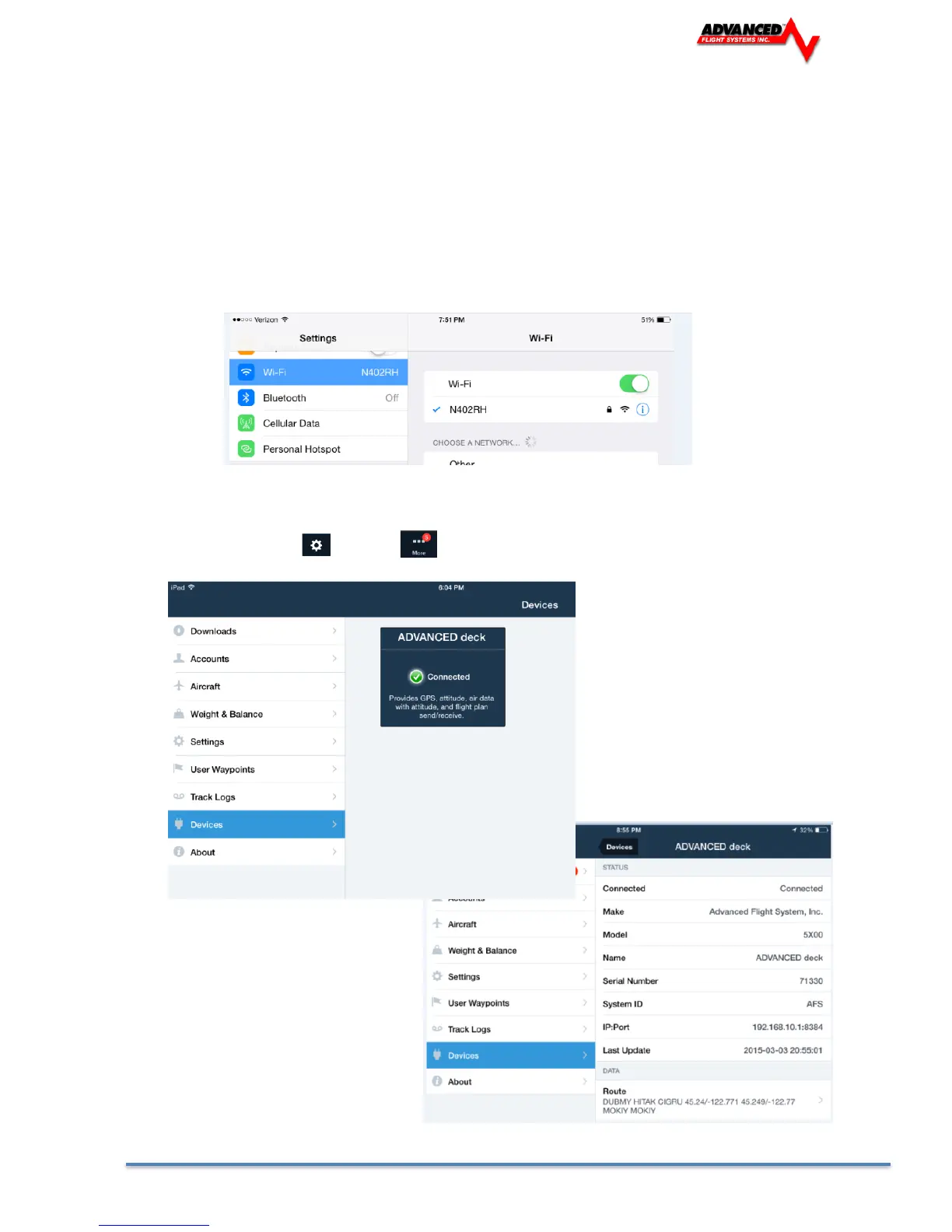
• In the Wi-Fi menu on your iOS device, select your AF-5000 system. You’ll need the password
you chose when you set up your EFIS Wi-Fi connection.
• Once your device is connected to your AF-5000 Wi-Fi network it should automatically be listed
as a connected device in your ForeFlight App. Confirm that AF-5000 is connected under the
Map Settings Icon or in the Devices list.



 To Next Page