Version 15.0 AF-5000 Series Pilot Guide 84
Nearest Airport
Pressing the [NRST] button from the main menu will bring up a sorted list of the nearest 16 airports
displayed on the screen at the current zoom level. To display the actual closest airports, zoom in before
pressing the [NRST] button. The joystick is used to select the desired airport. Pressing the [INFO] button
will display the information for the highlighted airport.
CAUTION To see the actual closest airports, zoom in before pressing the [NRST] button.
Direct To Navigation
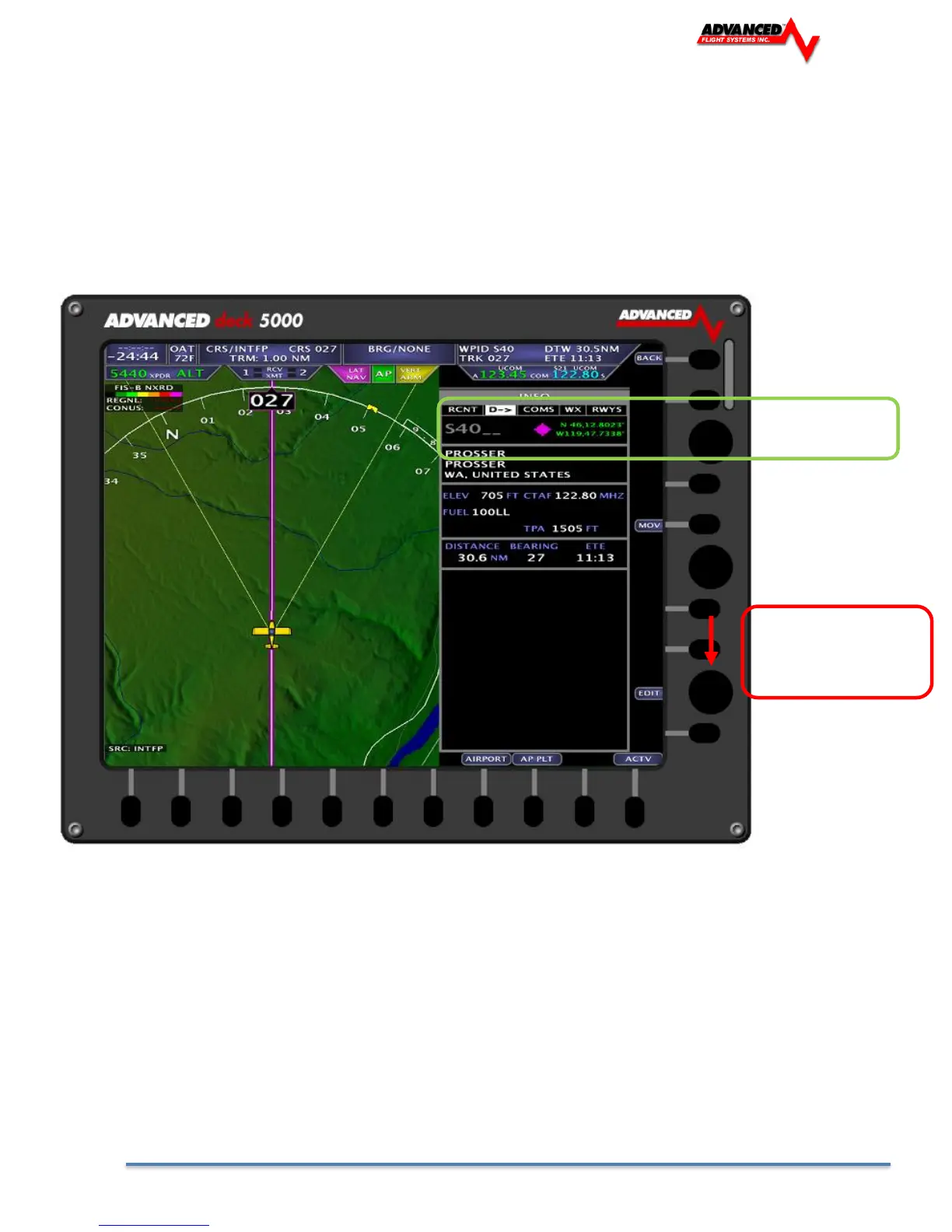
Pressing the [-D->] button will allow you to input the desired airport or waypoint to navigate to. To adjust or
set a new waypoint, drag the joystick down to the Identifier field. A keyboard will appear across the bottom
row of buttons, or the rotary joystick can be used to input the identifier.



 To Next Page