Version 15.0 AF-5000 Series Pilot Guide 75
Transponder Control
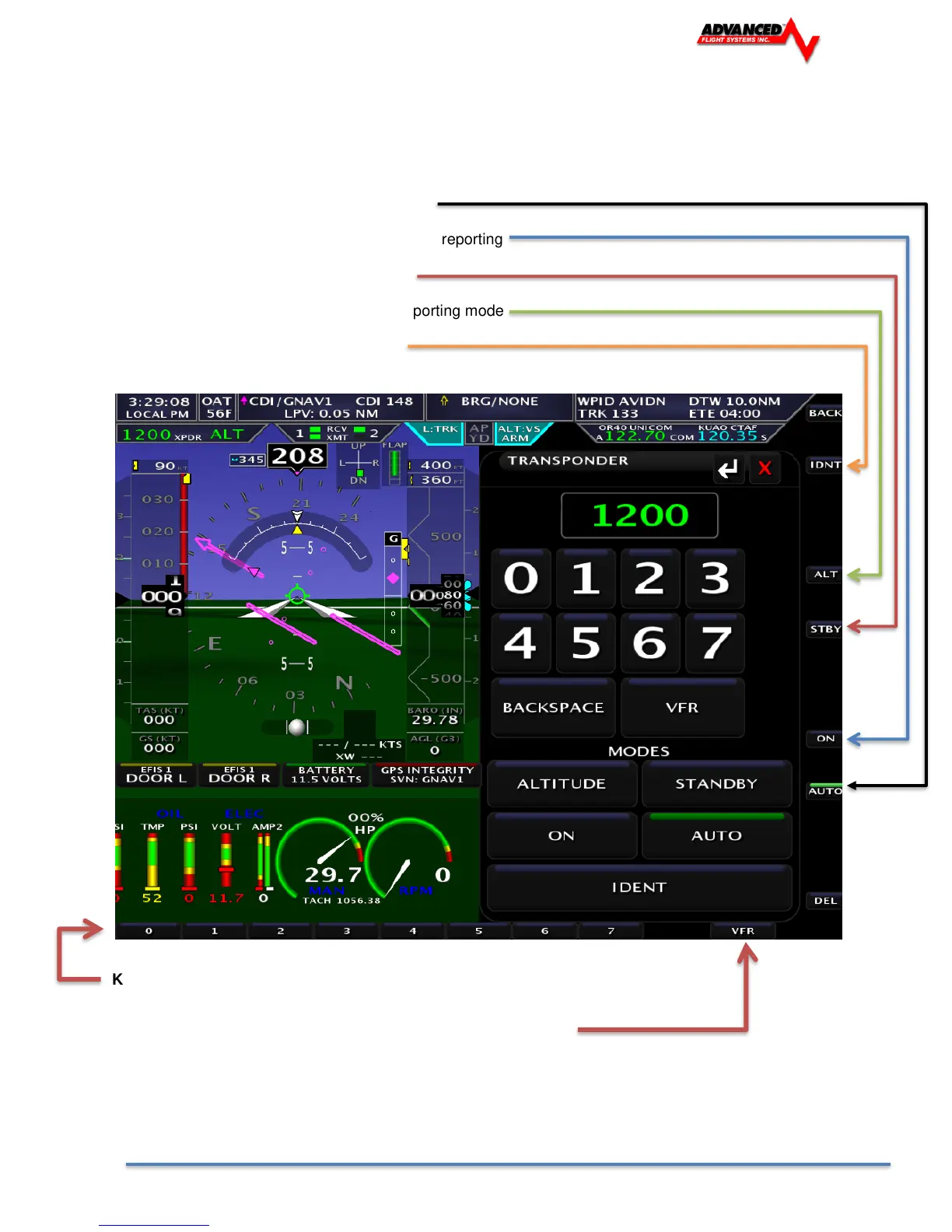
Access the Remote Transponder interface through [SET] [XPDR] or by touching the
transponder status readout in the top left corner of the screen.
The remote transponder has the following controls.
AUTO Turns transponder mode to Automatic
ON Turns Transponder ON with no Altitude reporting
STBY Sets Transponder to Standby Mode
ALT Turns transponder ON in Altitude reporting mode
IDNT Select Transponder IDENT mode
Keyboard Type Transponder code using the keyboard.
Press the VFR button to set the code to the configured VFR code.
(1200 for US based aircraft)



 To Next Page