Version 15.0 AF-5000 Series Pilot Guide 15
EFIS Screen Menus
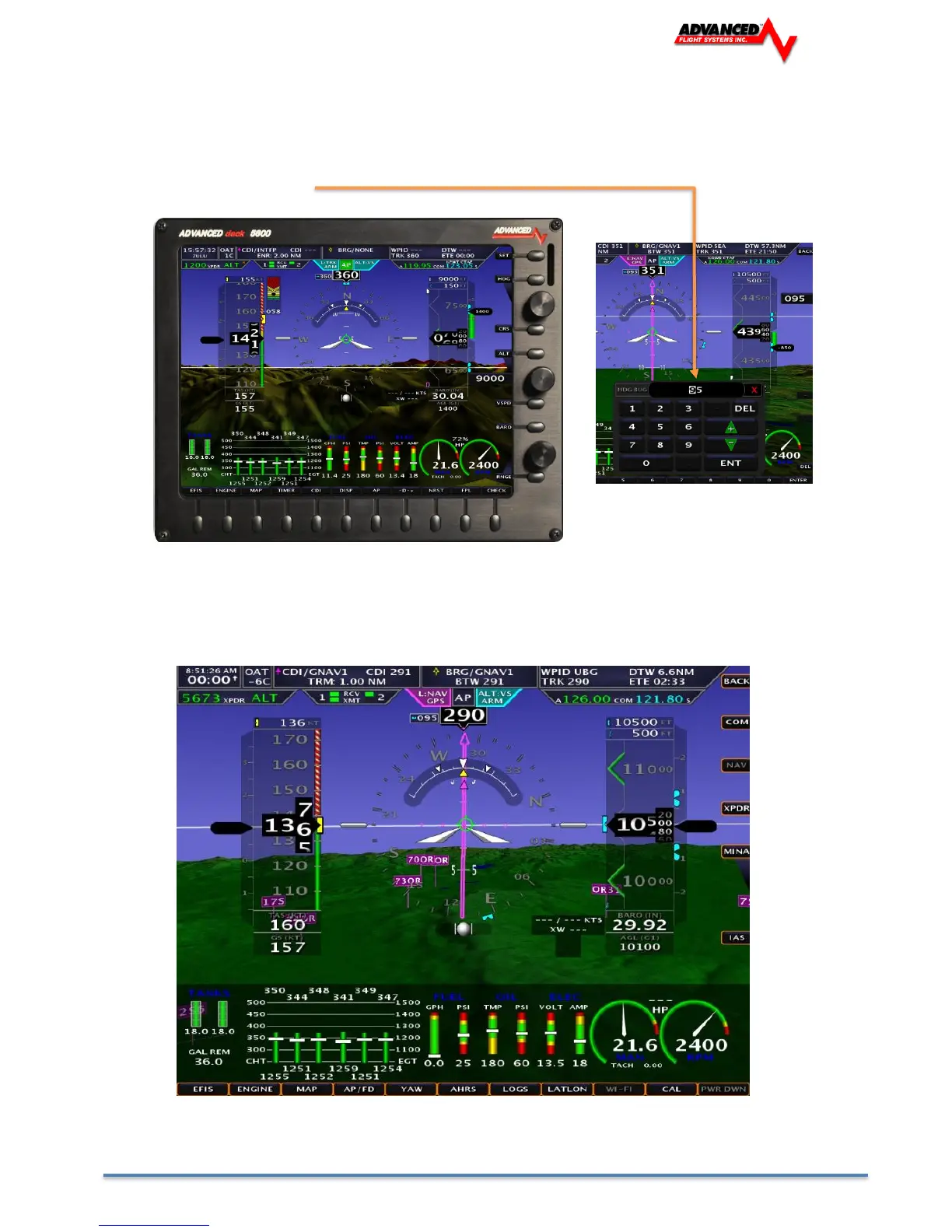
The EFIS boots in the MAIN screen menu and will automatically time out and return to it from the sub menus. In the
MAIN screen menu, the knobs on the right control the function that the flag is pointed to. In this picture the top knob is
controlling the Heading Bug. To make the knob control the CDI course (OBS) you would first push the CRS button and
the knob flag would point to CRS. You can also type a value instead of using the knob by pressing the button and then
using the on-screen keyboard.
SET Menu
Pressing the upper right hand [SET] button brings up the settings menu and changes the button labels to orange.
Pressing the [BACK] button returns you to the MAIN menu.
The settings menu has the following buttons and menus:



 To Next Page