Version 15.0 AF-5000 Series Pilot Guide 22
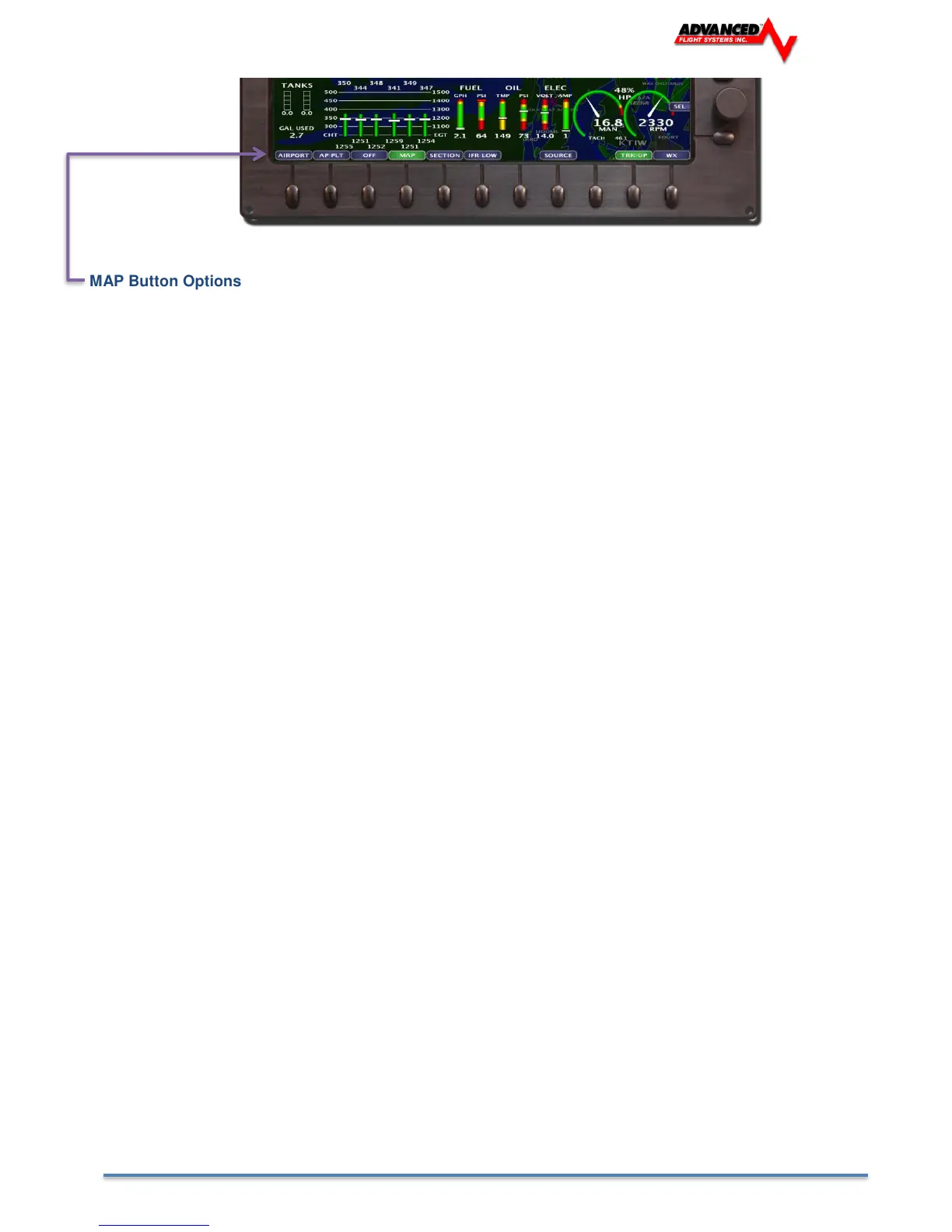
MAP Button Options
[AIRPORT] Displays the Flight Guide Airport Diagram (Requires optional data subscription)
[AP PLT] Displays the Approach Plate (Requires optional data subscription)
[OFF] Turns the MAP display OFF
[MAP] Displays the standard MAP screen
[SECTION] Display the VFR Sectional (Requires optional data subscription)
[IFR LOW] Display the IFR Low Altitude Chart (Requires optional data subscription)
[SOURCE] Selects the GPS Map source
[TRK/NRTH] Select Track or North up display mode for the map.
[WX] Selects the Weather display menu



 To Next Page