Version 15.0 AF-5000 Series Pilot Guide 82
Zoom Range
The current zoom range is displayed by an arc on the top
of the map display with its current digital range. The zoom
range can be adjusted using the joystick anytime [RNGE]
is active. The map software will progressively declutter
airports, intersections and obstacles from the screen as the
range is increased.
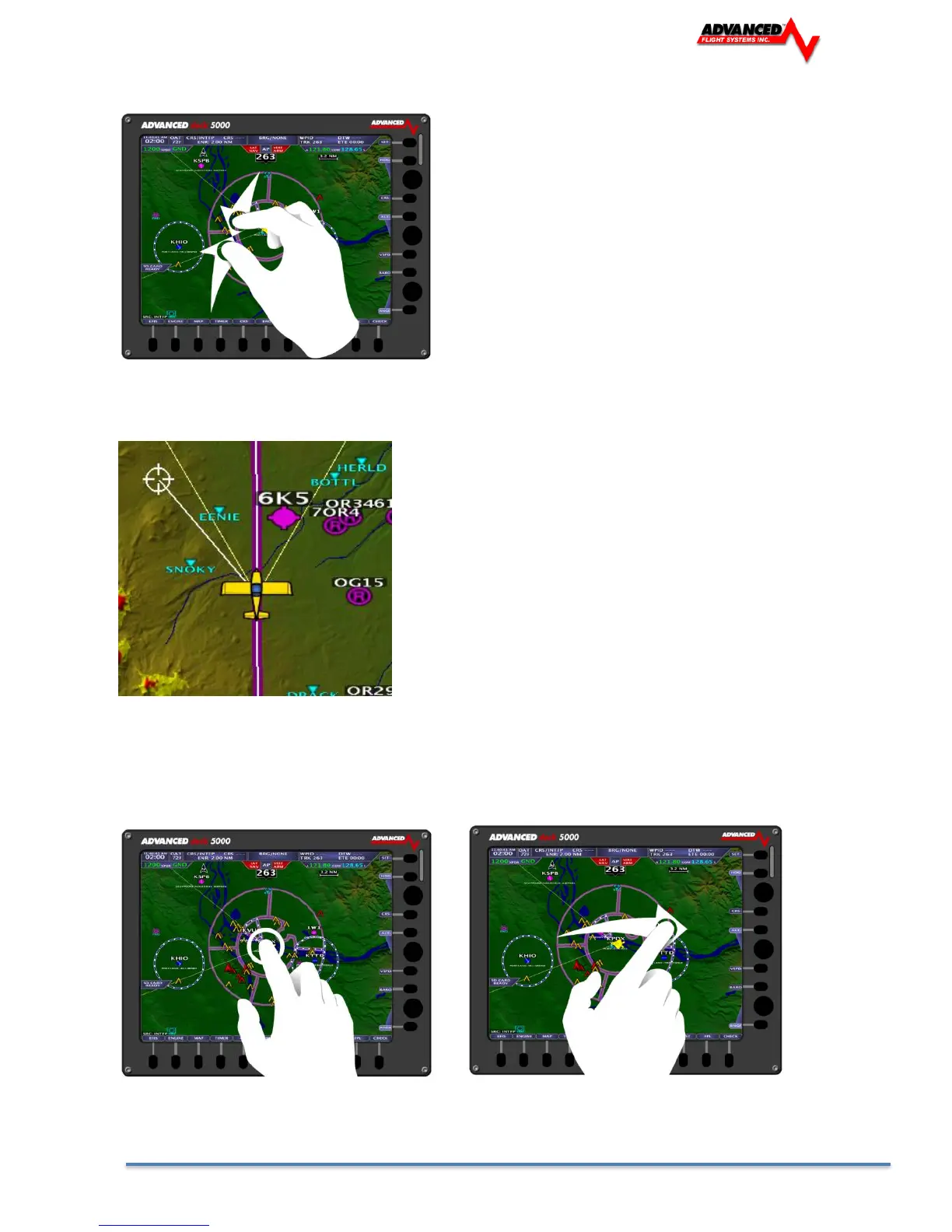
A Touch Screen equipped display recognizes a pinching
motion to set the zoom range of the Moving Map.
Map Panning / Pointer
Map Panning allows you to search across the map display. This
can be accomplished through the joystick by dragging it in the
direction of travel anytime [RNGE] is active, a map pointer will be
displayed allowing you to make selections on the map. Pushing in
on the joystick will select an airport or airspace for more
information, pressing [ACTV] will activate the selection as the
new waypoint. The current distance, bearing, coordinates, and
elevation of the pointer is displayed in a Map Pointer information
box the top of the map display. Pressing the top right button
[CENT] will center the map back onto the aircraft.
A Touch tap on the aircraft marker, followed be a swiping motion to pan the Moving Map/Move the Map
Pointer. (Pressing the top right button [CENT] will center the map back onto the aircraft.)



 To Next Page