Version 15.0 AF-5000 Series Pilot Guide 87
Selecting Charts
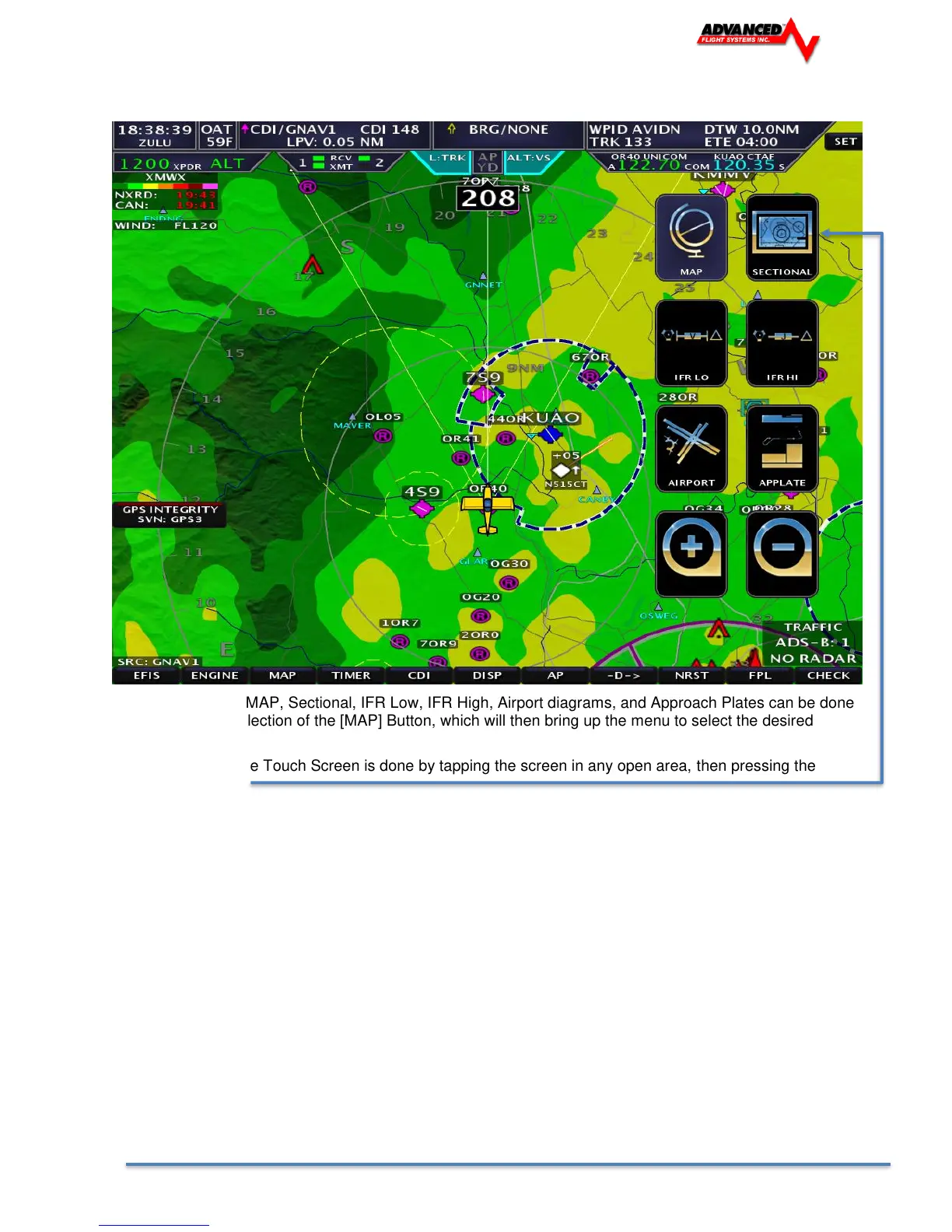
Switching between MAP, Sectional, IFR Low, IFR High, Airport diagrams, and Approach Plates can be done
through a simple selection of the [MAP] Button, which will then bring up the menu to select the desired
database/chart.
Selection through the Touch Screen is done by tapping the screen in any open area, then pressing the
desired map ICON.
You can also zoom the map from the map screen + and - ICON’s



 To Next Page